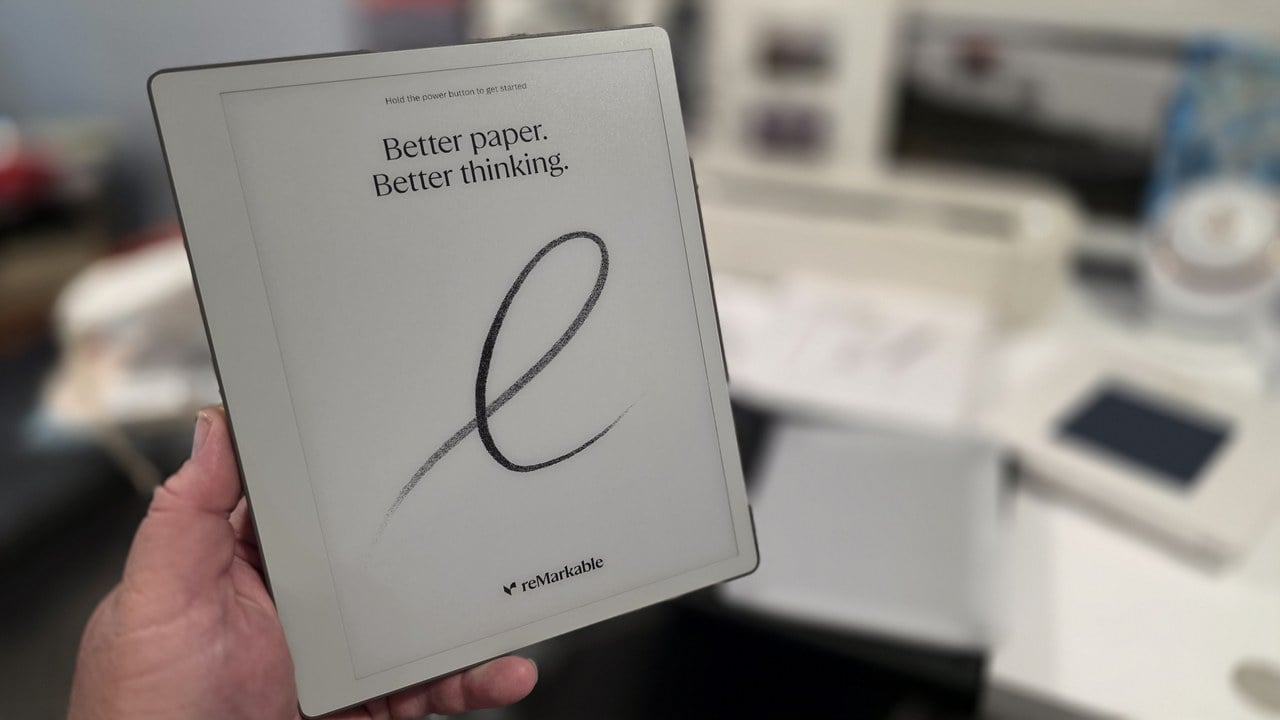
The reMarkable Paper Pure is a 10.3-inch black-and-white E Ink tablet with one job: replace the notepad you carry into meetings and the journal you keep for yourself. It starts at $399, it will not check your email, and it will not run apps. I have owned dozens of tablets over the years, and this is the first one whose pen does not feel like a pointing device.
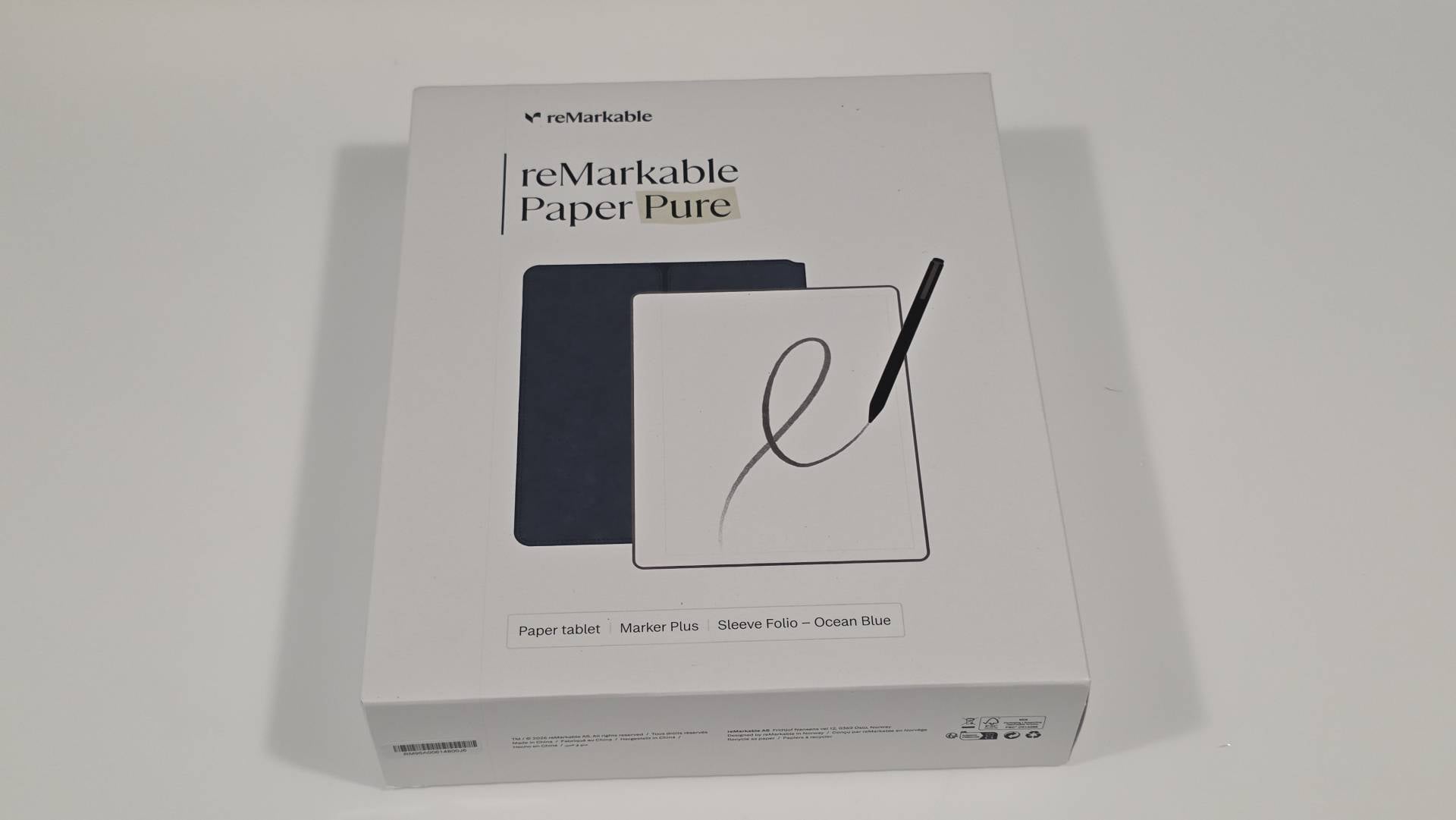
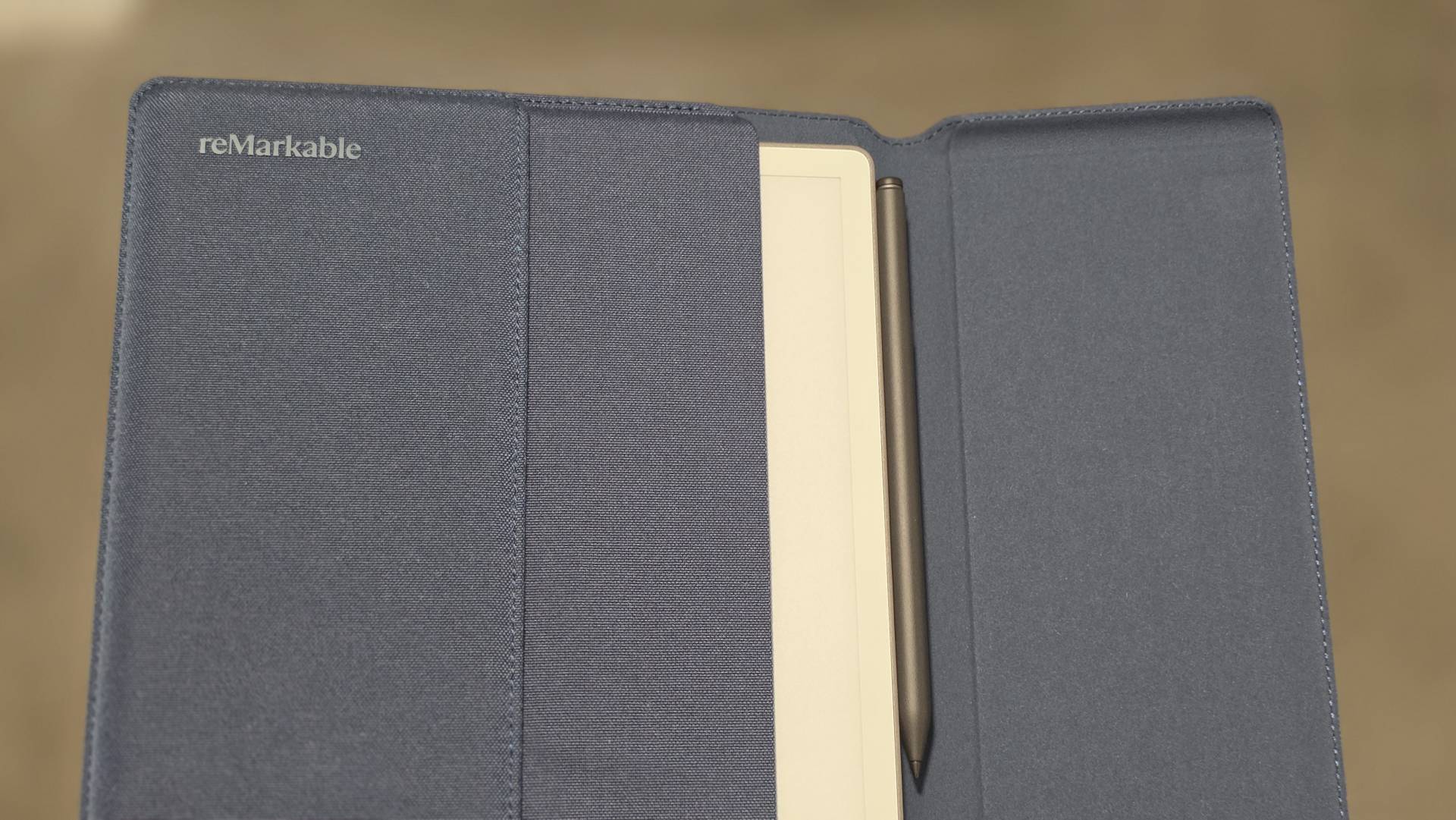
The reMarkable Paper Pure starts at $399 direct from reMarkable for the tablet on its own. The configuration I have been testing, which pairs the tablet with the Marker Plus and the Sleeve Folio, runs $449 on Amazon.com. That is the one I would buy. The Marker is not optional in practice, and the folio locks the tablet the moment you slide it in.
Stylus technology has felt stale lately, so I went into this one skeptical. Five things changed my mind:
- The Marker Plus drags against the display with real friction, so writing registers as pencil on a notepad rather than a plastic tip skating across glass.
- The 10.3-inch screen runs 1404 x 1872 at 226 PPI on a custom stack built around E Ink Carta 1300, and it reflects the light in the room the way a book does.
- At 360 grams and 6mm thick, it slides into a backpack next to a laptop without being something you notice carrying.
- There is no email, no notification tray, and no app store. Nothing on the device can interrupt you.
- Handwriting search finds a word you scribbled in a notebook months ago, which is the one thing a paper notepad can never do.
We already had this tablet in our Father's Day gift guide. A few weeks with one in my hands sharpened what I would actually say about it.

The Marker Plus Beats Every Stylus I Have Used
I have used the pen on Microsoft Surface devices, and I keep an S Pen in my Galaxy S25 Ultra. Both are good at what they are, which is pointing devices. You tap, you swipe, you scroll, and the tip skates across glass with nothing pushing back.

Five Ways We Used Cellular at Sea Cruise+ on Our Canada and New England Cruise
Cellular at Sea Cruise+ offers practical alternatives to cruise WiFi packages. Seven-day test of Verizon, AT&T, and GigSky options reveals secure, cost-effective connectivity for voice and data at sea.

Transportation Guide For A Dubai Guys Trip: How To Get Around Dubai Safely and In Style
Dubai transportation guide: Metro, luxury car rentals, traditional abras, airport transfers. Navigate supercars, public transport, and unique experiences. Perfect for guys seeking efficient travel in this premium destination.

21-Day Beauty of Vietnam, Cambodia And Thailand
A 21-day cultural and beach tour through Vietnam, Cambodia and Thailand, ideal for travelers seeking guided sightseeing plus relaxation.

6 Days 5 Nights Northern Vietnam Tour
6 day Northern Vietnam tour with hidden gems, local cuisine and passionate guides. Ideal for curious travelers seeking more than the typical tourist route.
Promoted by FlowAds

The Marker Plus pushes back.
There is a fine, dry friction between the tip and the display, and the line it lays down has a clarity I did not expect from a screen. It felt like I was writing on a real notepad, not a glass surface. Flip the Marker Plus over and the flat end erases, the same motion you have been making since grade school.

Promoted by FlowAds

The 226 PPI E Ink That Holds Its Image Even With Power Off
E Ink is not a backlit screen imitating paper. Millions of ink particles physically move inside the panel to form the letters, then hold their position with the power off, and the display reflects the light in the room instead of firing a backlight at your eyes.
Man Gear Pick of the Month
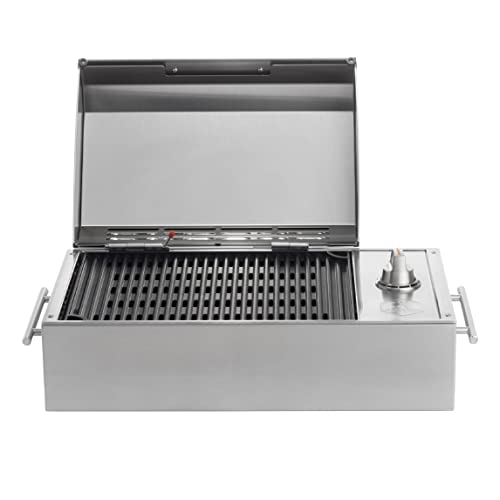
Kenyon City Grill Portable Stainless Steel Electric Grill
Why we picked it: a grill you can actually carry to the campsite, the tailgate or the cabin without borrowing a truck. Stainless, no propane tank to wrestle, and hot enough to cook for four guys rather than reheat for one.
 August's Pick LiberNovo Maxis Electric Big and Tall Ergonomic Office Chair, Graphite 52cm $1,283.00
  July's Pick Powerful Propane Torch Gun, Adjustable Flame Thrower Gun, Kitchen Torch with Detachable Design, Flamethrower Blow Torch for BBQ, Searing Steak, Welding, Camping Charcoal Lighter(Tank Not Included) $42.99
  June's Pick OYASUMI Funny BBQ Man Hot Dog Holders, 4 PCS Reusable Stainless Steel Sausage Stands, Portable Hot Dog Roasters, Barbecue Grill Accessories for Camping & Party Gifts $7.98
 Promoted by FlowAds

The Paper Pure runs a third-generation Canvas display at 1404 x 1872, or 226 PPI, on a custom stack built around E Ink Carta 1300. reMarkable rates it at 20 percent higher contrast and 50 percent faster gesture response than the reMarkable 2, with 30 percent longer battery life out of a 3,820 mAh cell.
The internals read like a phone from a decade ago. A 1.7 GHz dual-core Cortex-A55, 2 GB of RAM, and 32 GB of storage, all of it running a purpose-built Linux operating system with exactly one job to do. reMarkable still shipped it with full disk encryption and secure boot.


A Notepad For Meetings, A Journal For Everything Else
Before you spend $449, understand what you are buying. This is not a replacement for your do-everything iPad or Galaxy tablet. It is a specialist.
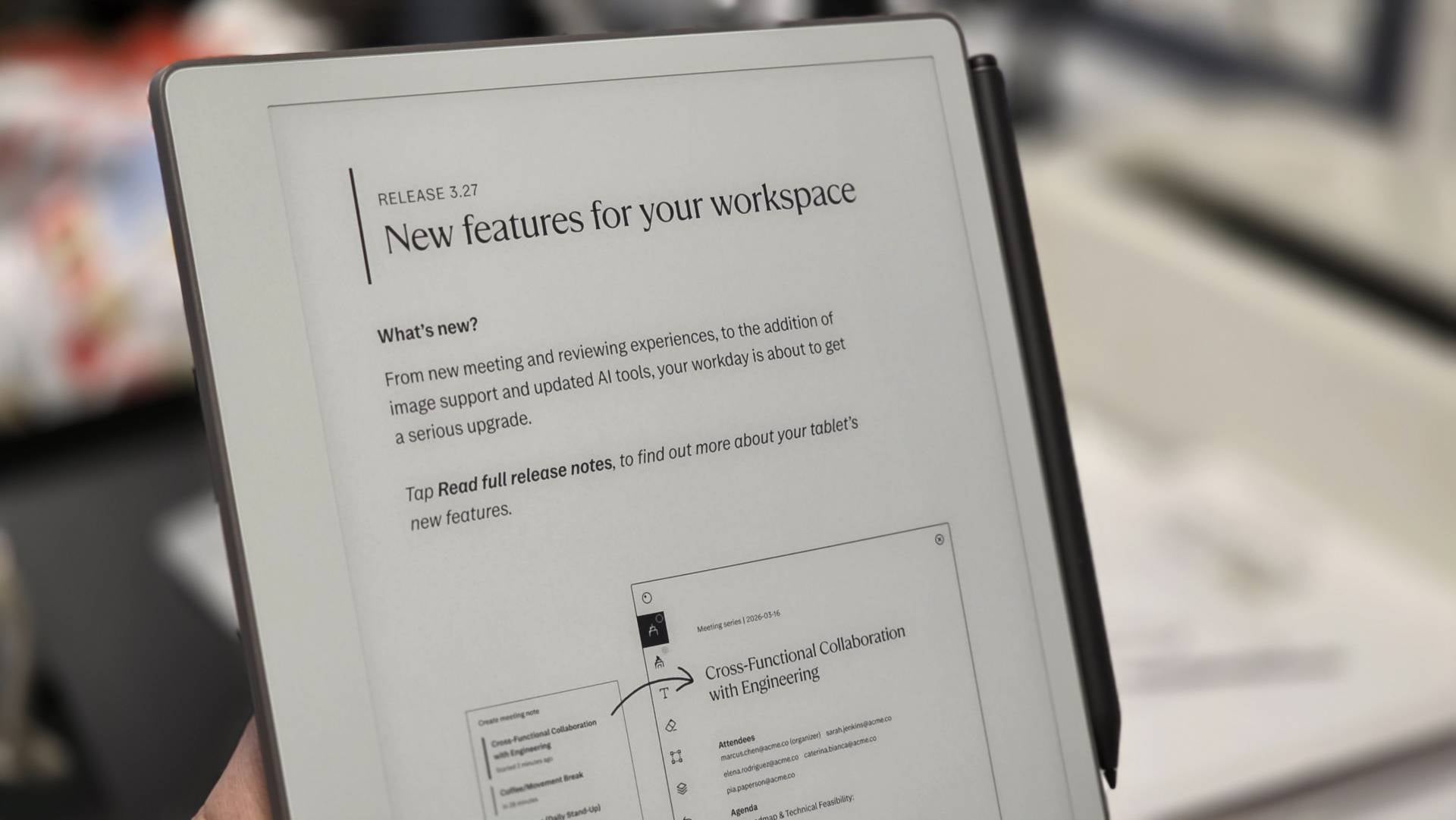
What it specializes in is the meeting. You take notes in front of colleagues without disappearing behind a laptop lid, and nothing on the device can buzz, ping, or light up to pull you out of the conversation.
The other half of the job is quieter. You tuck it into a backpack for the moments when you want to record a thought and every other device you own is working against you having one. Dozens of built-in templates cover the structure if you want it, from lined notebooks to checklists to planners, and the blank page is there if you do not.
What It Costs, And What The Connect Subscription Holds Back
The Connect subscription runs $3.99 a month or $39 a year. Without it, only the notebooks you have edited in the last 50 days sync to the cloud, which means the permanent archive of everything you have ever written on the device is a subscription feature. At $39 a year that is an easy yes, but you should know it is waiting for you before you buy. Frankly, I don't like being harnessed to a subscription plan like this, so that's a big deal for me ... maybe not to you.
File support covers PDF and ePUB and stops there. If your working life runs on marked-up Word documents, there is a conversion step between you and this device every single time.
The display is black-and-white only. reMarkable will sell you color in the 7.3-inch Paper Pro Move at $449, or the 11.8-inch Paper Pro at $629.
There is also no reading light. The Paper Pure reflects whatever light is in the room, exactly like paper, which means a dark room gets you a dark page. reMarkable builds a reading light into the Paper Pro Move and the Paper Pro and left it out of this one, so if you do your thinking after the house goes quiet, that is the trade you are making.
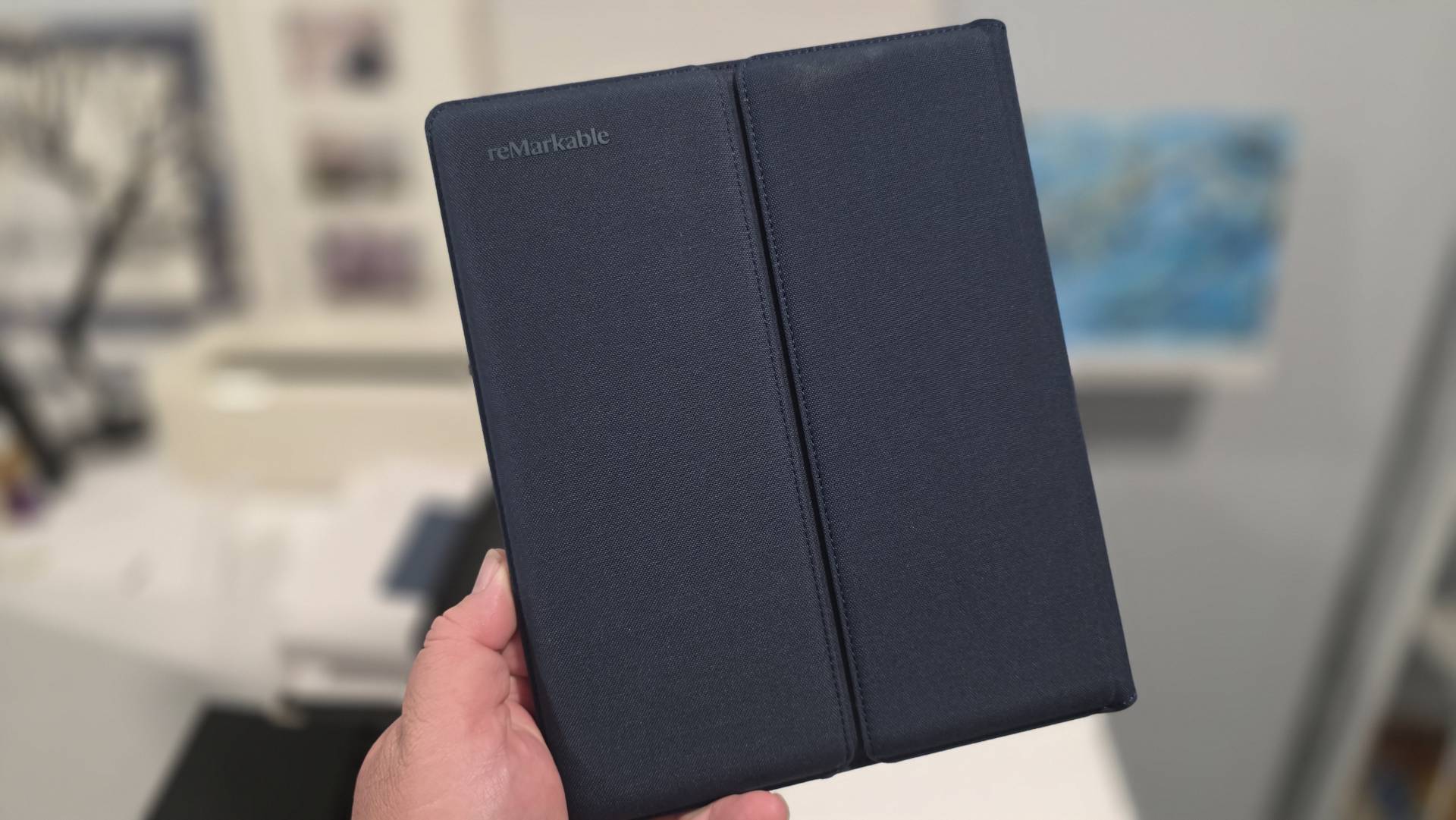
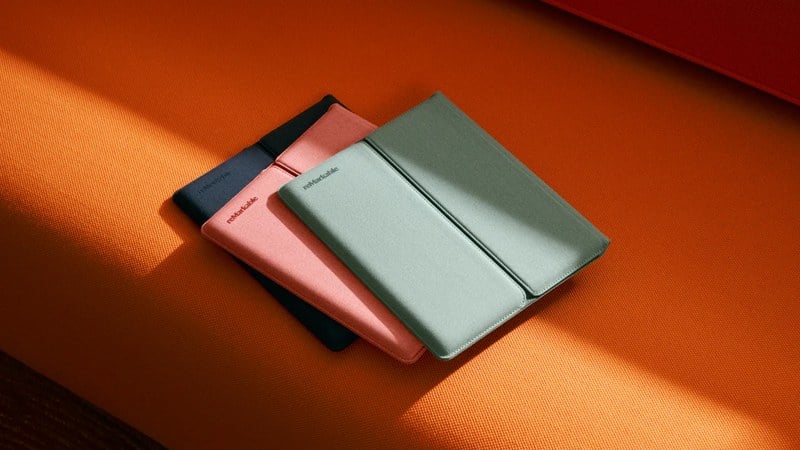
The Sleeve Folio comes in Ocean Blue, Desert Pink, and Mist Green, wrapped in an outer shell made from recycled polymer weave.
The Product I Want Next Is A reMarkable For The Kitchen Wall
What I want next is a version of this I could hang on the refrigerator, or park somewhere in the house where anybody walking past could leave a note or a doodle. That is admittedly a very different product, but wanting it says something about this one.
After a few weeks, here is where I landed. This is not an ordinary tablet, and yet it somehow manages to capture a pinnacle piece of technological development in a package that feels natural and well ... it feels pure ... even reMarkable!
If you are buying, get the bundle rather than the bare tablet. The standard Marker has no eraser while the Marker Plus does, and at $449 the bundle pairs it with the Sleeve Folio that will help protect the tablet the moment it slides in. For current pricing and availability, check Amazon.com.

Promoted by FlowAds
