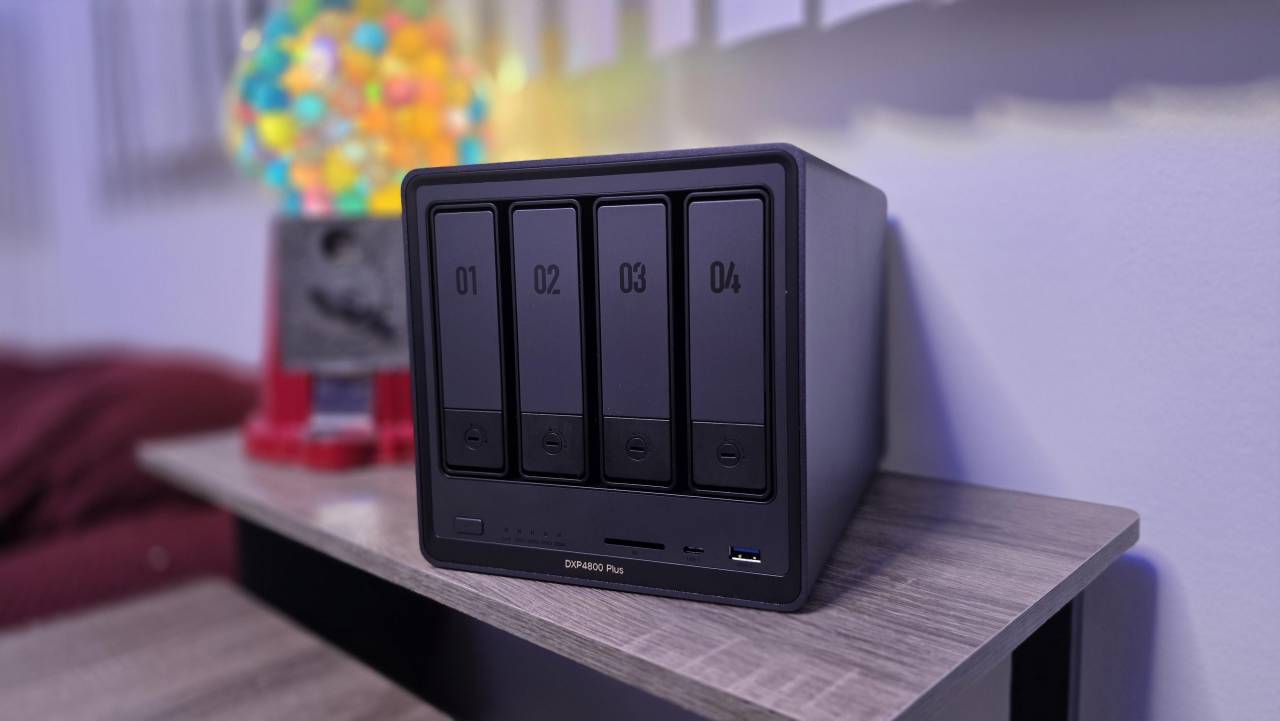
The UGREEN NASync DXP4800 Plus delivers serious storage capability for users who need more than consumer-grade backup but don't want enterprise complexity, combining a 12th Gen Intel processor with 10GbE networking and up to 136TB of storage at a price point that undercuts established competitors by hundreds of dollars.
The UGREEN NASync DXP4800 Plus is available directly from UGREEN at the MSRP of $699.99 (frequently on sale for $629.99), with financing options available through Klarna, and you can also buy it on Amazon.com.
Men running side businesses from home or managing substantial media libraries who've outgrown external hard drives but find enterprise NAS solutions overcomplicated and overpriced will appreciate this capable middle-ground option.
- Content creators working with 4K video files will benefit from the 10GbE port that backs up 1GB in under a second, keeping large project files off their desktop's limited SSD storage.
- Families wanting centralized photo storage will value the mobile app that automatically uploads photos from multiple phones to a shared library accessible by everyone.
- Home office professionals concerned about data loss will appreciate RAID 5 and RAID 6 options that protect against drive failure without sacrificing all their storage to redundancy.
- Road warriors needing access to files while traveling will find the secure remote access lets them stream media or pull documents from anywhere without monthly cloud subscription fees.
- Budget-conscious buyers comparing NAS options will recognize significant savings over comparable Synology units, plus the freedom to use Western Digital, Seagate, Toshiba, or other third-party drives.
I sit somewhere between a business and home user, and I suspect many of you do as well. If not in actual needs, then certainly in the desire for power, efficiency, and technology that genuinely improves daily life. That's why I've been shopping for a NAS solution for years without pulling the trigger. External hard drives were never designed for this purpose. Business-focused options like Synology were too expensive and locked you into proprietary ecosystems with approved drives only. To be fair, Synology has loosened those restrictions recently - but the fact that they've had to respond to competitive pressure proves exactly why disruptors like UGREEN matter in this marketplace.
I've been running the smaller UGREEN NAS DH2300 for the past month and loved it, but the DXP4800 Plus fits my needs even better. The four-bay configuration means I can run three 12TB drives in RAID 5 right now - balancing speed, storage, and redundancy - with room to add a fourth drive later. The Intel Pentium Gold 8505 processor (5 cores, 6 threads) paired with 8GB DDR5 RAM handles everything I throw at it, and knowing I can expand to 64GB of RAM and add M.2 SSDs for caching gives me a clear upgrade path.

Explore Alaska with Virgin Voyages: Adventure Awaits on the 2026 Alaskan Itineraries
Virgin Voyages brings adults-only style to Alaska in summer 2026 with adventure-focused itineraries aboard Brilliant Lady.

Loreto Mexico Hotels Guide: All-Inclusive to Boutique
Hotels in Loreto Mexico for any budget from All Inclusive Resorts to Boutique hotels and Budget hotels.

Transport & Customized tours of Sri Lanka!
Customized Sri Lanka tours with transport, led by qualified local guides with over 8 years of experience, for travelers seeking the best.

400 Years of Drinking in One Night: Boston's Most Historic Bars
Boston historic bars guys weekend: pub crawl through America's oldest taverns, from the Revolutionary War to JFK's booth. Warren Tavern, Union Oyster House, and bars older than the country itself.
Promoted by FlowAds

Four Ways I Actually Use the DXP4800 Plus Every Week
After several weeks of testing, I've settled into four primary uses that demonstrate the DXP4800 Plus's versatility for someone straddling the home and business divide.
Shared Family Photo Library With Automatic Phone Uploads
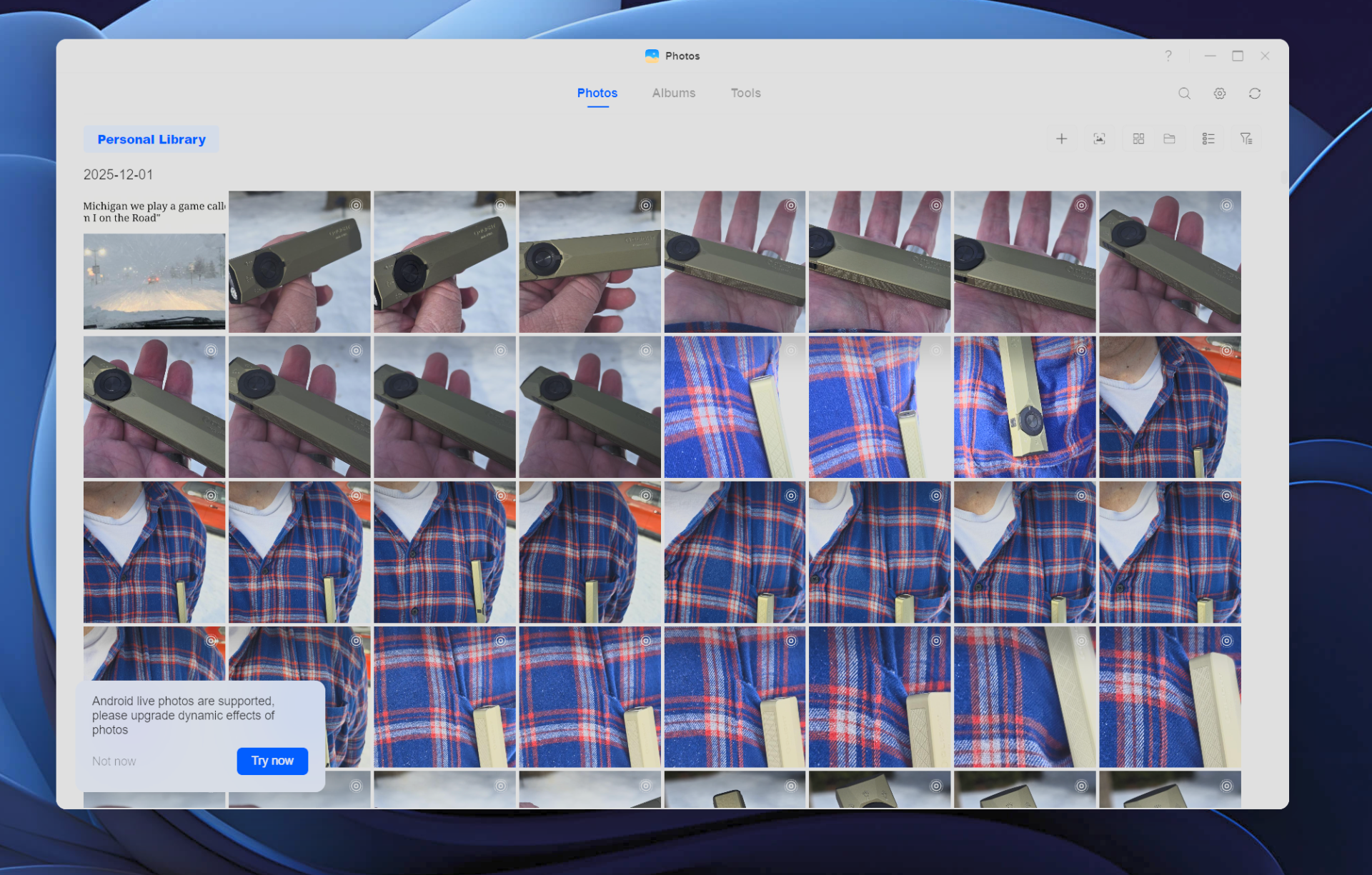
The mobile app configured both my phone and my wife's to upload automatically to the NAS. She's a travel advisor who constantly needs photos for promoting cruises and resorts - now we both access the same shared photo pool without texting files back and forth. The AI-powered organization sorts everything by faces, locations, and scenes, which saves hours of manual sorting.
Man Gear Pick of the Month
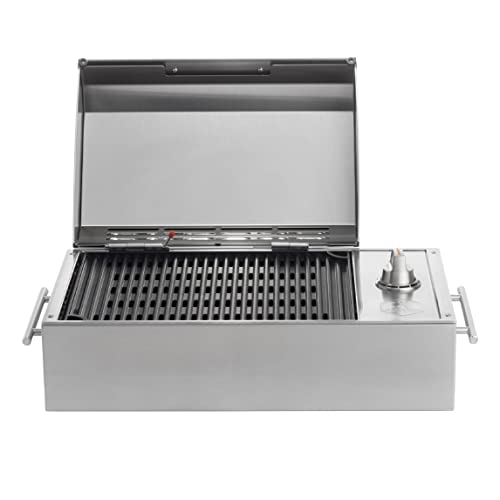
Kenyon City Grill Portable Stainless Steel Electric Grill
Why we picked it: a grill you can actually carry to the campsite, the tailgate or the cabin without borrowing a truck. Stainless, no propane tank to wrestle, and hot enough to cook for four guys rather than reheat for one.
 August's Pick LiberNovo Maxis Electric Big and Tall Ergonomic Office Chair, Graphite 52cm $1,393.00
  July's Pick Powerful Propane Torch Gun, Adjustable Flame Thrower Gun, Kitchen Torch with Detachable Design, Flamethrower Blow Torch for BBQ, Searing Steak, Welding, Camping Charcoal Lighter(Tank Not Included) $42.99
  June's Pick OYASUMI Funny BBQ Man Hot Dog Holders, 4 PCS Reusable Stainless Steel Sausage Stands, Portable Hot Dog Roasters, Barbecue Grill Accessories for Camping & Party Gifts $7.98
 Promoted by FlowAds

RAID 5 Protection Against the Hard Drive Crashes I've Experienced
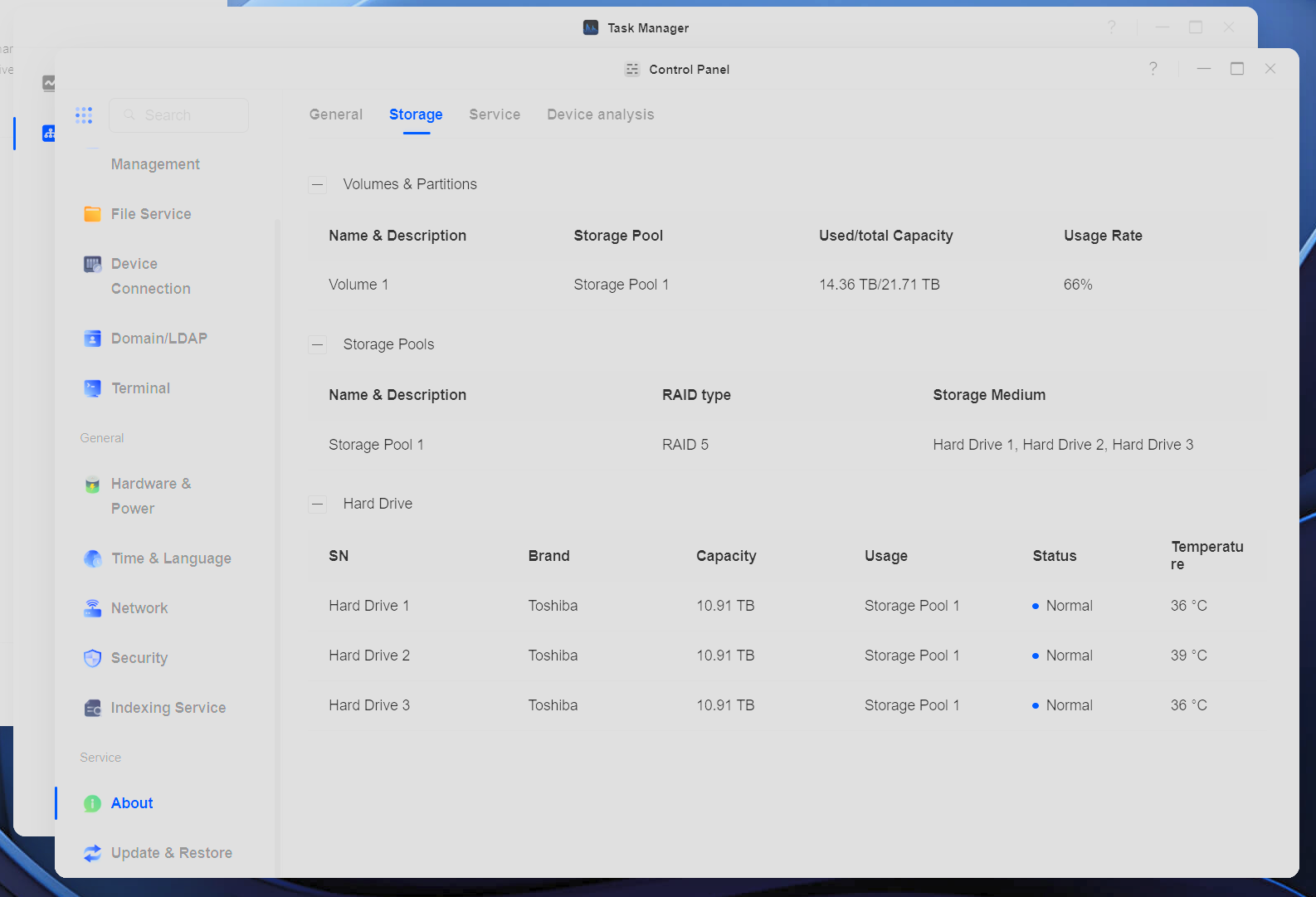
I've experienced hard drive crashes that permanently destroyed files. I've also dealt with data scattered across various drives in different locations. The DXP4800 Plus centralizes everything with RAID 5 protection, meaning a single drive failure doesn't mean data loss. For critical files like family photos and business documents, I back up to my DH2300 sitting at a different location. That peace of mind is worth the investment alone.
Editing 4K Video Directly From the NAS via 10GbE Connection
The 10GbE connection (you need a similarly equipped router and cables too) turns this into my active work drive for large 4K video projects. Instead of filling up the relatively small SSD in my gaming pc, I edit directly from the NAS with transfer speeds up to 1250MB/s. The two M.2 NVMe slots accept high-speed SSDs for caching, which keeps everything responsive even with multiple applications accessing the drives.
Streaming My Entire Media Library to Any Device While Traveling
All work and no play gets old fast. The 4K HDMI output connects directly to a TV, and the built-in Theater app handles media streaming to my phone or laptop while traveling. Whether I'm in a hotel room or at a cabin rental, I have access to my entire library, even on a cruise in the middle of the ocean.
Quiet Enough For The Desktop - But Drive Selection Matters
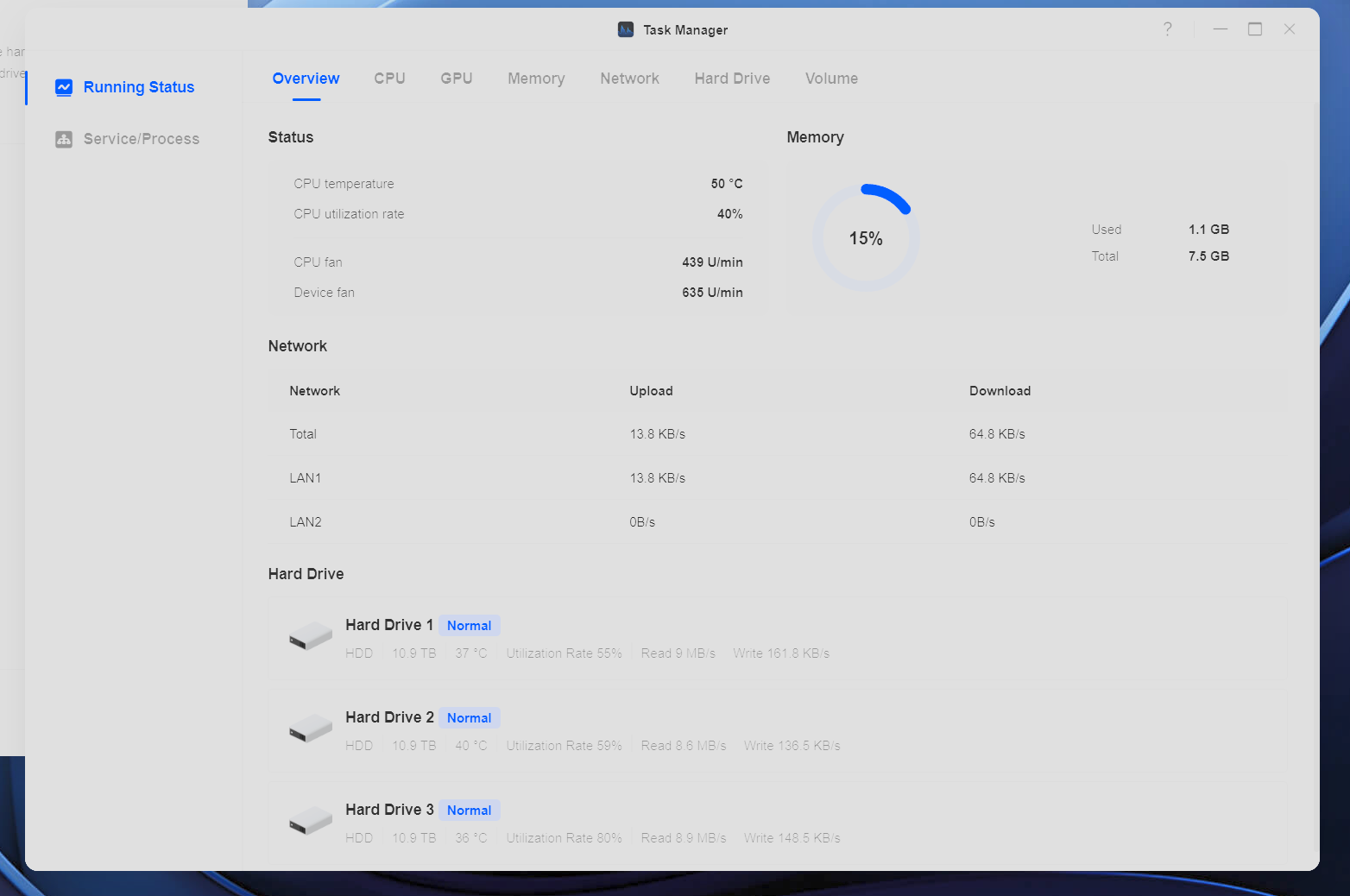
The DXP4800 Plus sits on my desk, and most of the time, the fan from my gaming PC is louder. I do notice occasional mechanical noise from the hard drives - something I hadn't thought about since ditching mechanical drives on my desktop a couple years ago. This isn't an issue for me, and for those who find it distracting, the simple solution is to place the NAS elsewhere.
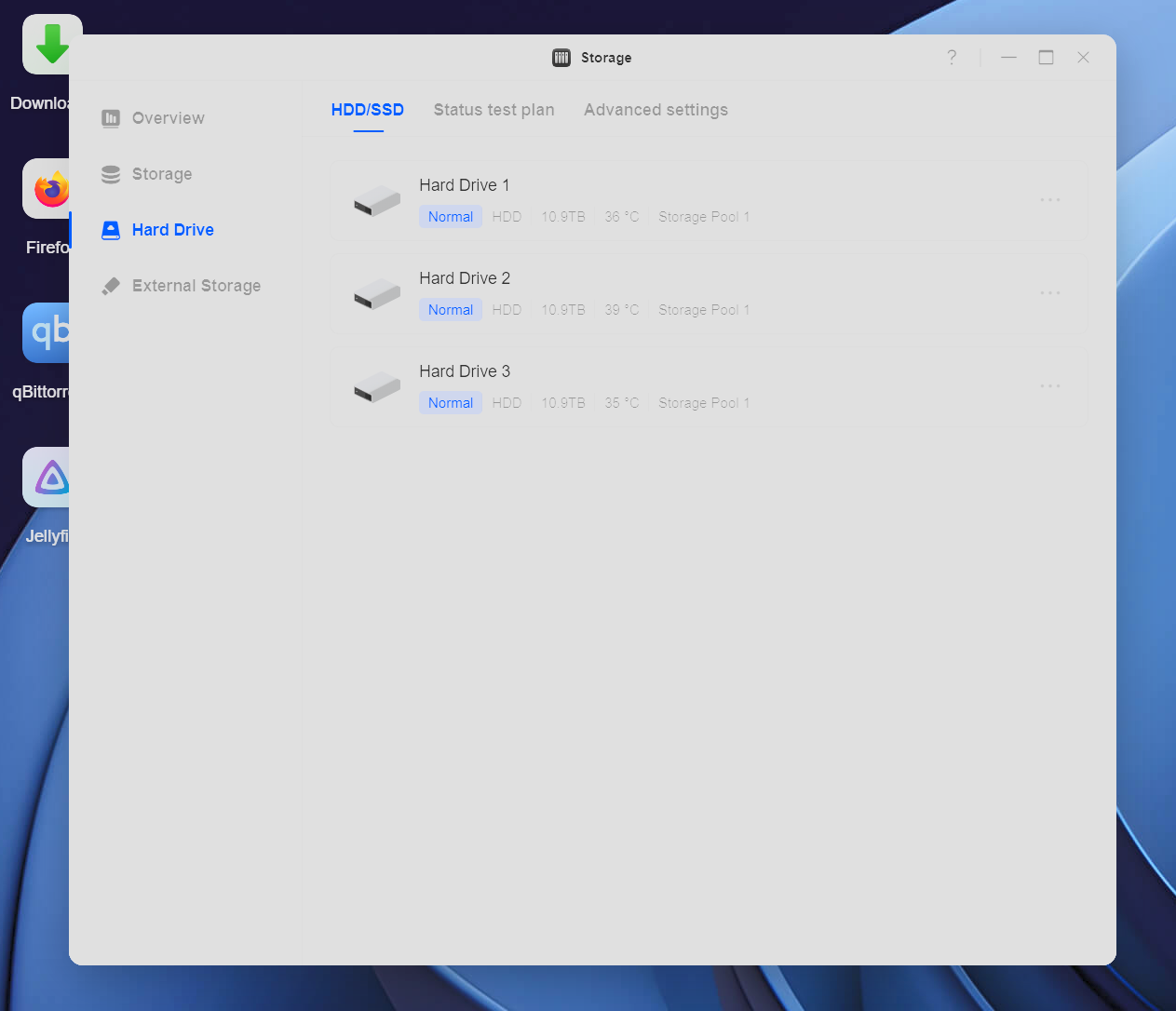
That said, drive selection plays a significant role here. Toshiba drives tend to run slightly noisier but cost less while still delivering solid speed and reliability. Western Digital Red Plus and Seagate IronWolf drives run quieter but carry a price premium. Only you can make the right choice, so consider your priorities before building out your home or office NAS.
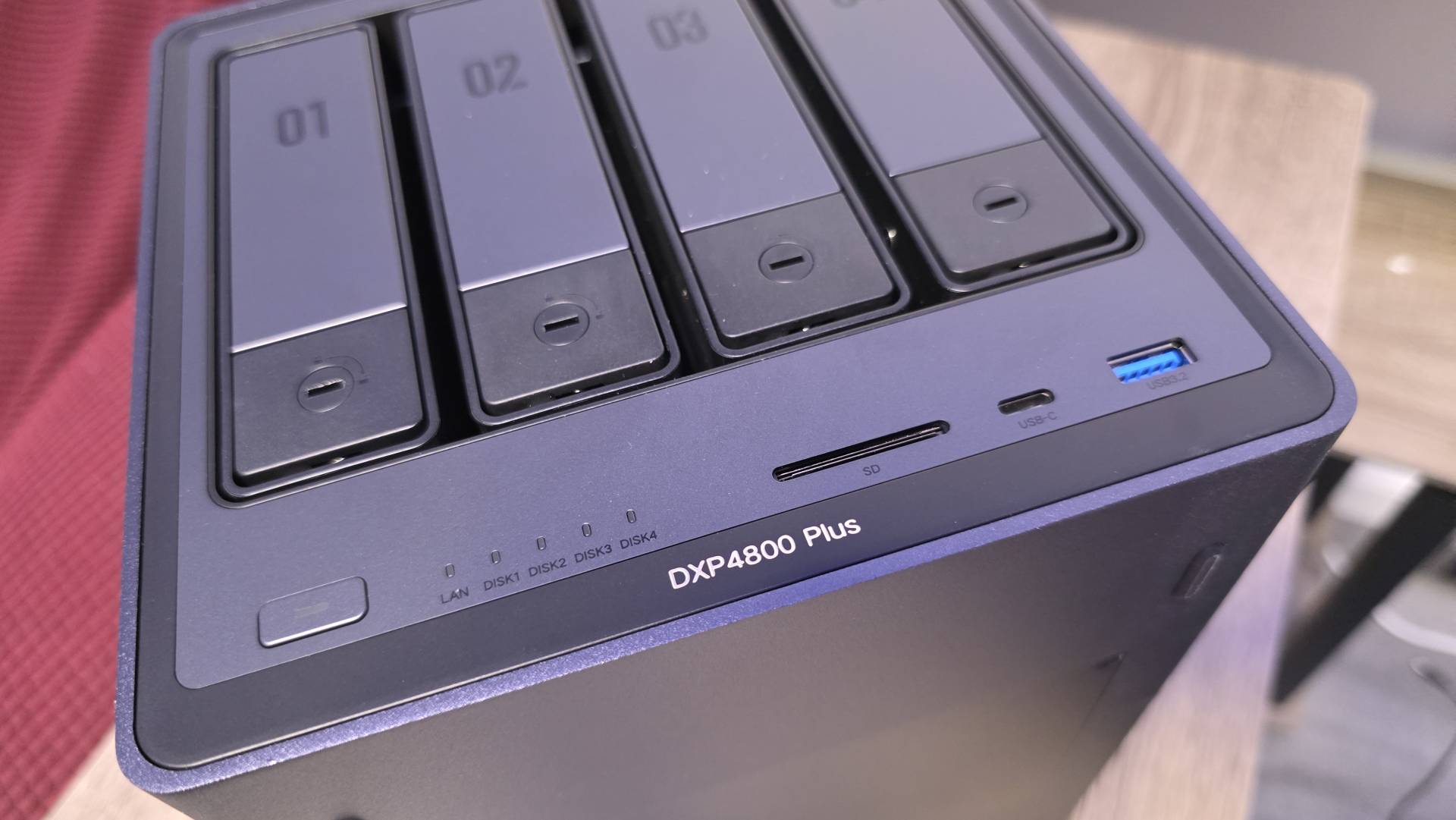
I actually prefer having it on my desk despite the occasional sound. The front-panel SD card reader and USB ports let me insert SD cards or plug cameras directly into the NAS to dump photo and video assets without routing everything through my PC first. That convenience outweighs any minor noise considerations.
UGOS Pro Software Nails the Fundamentals, But Docker Has a Learning Curve
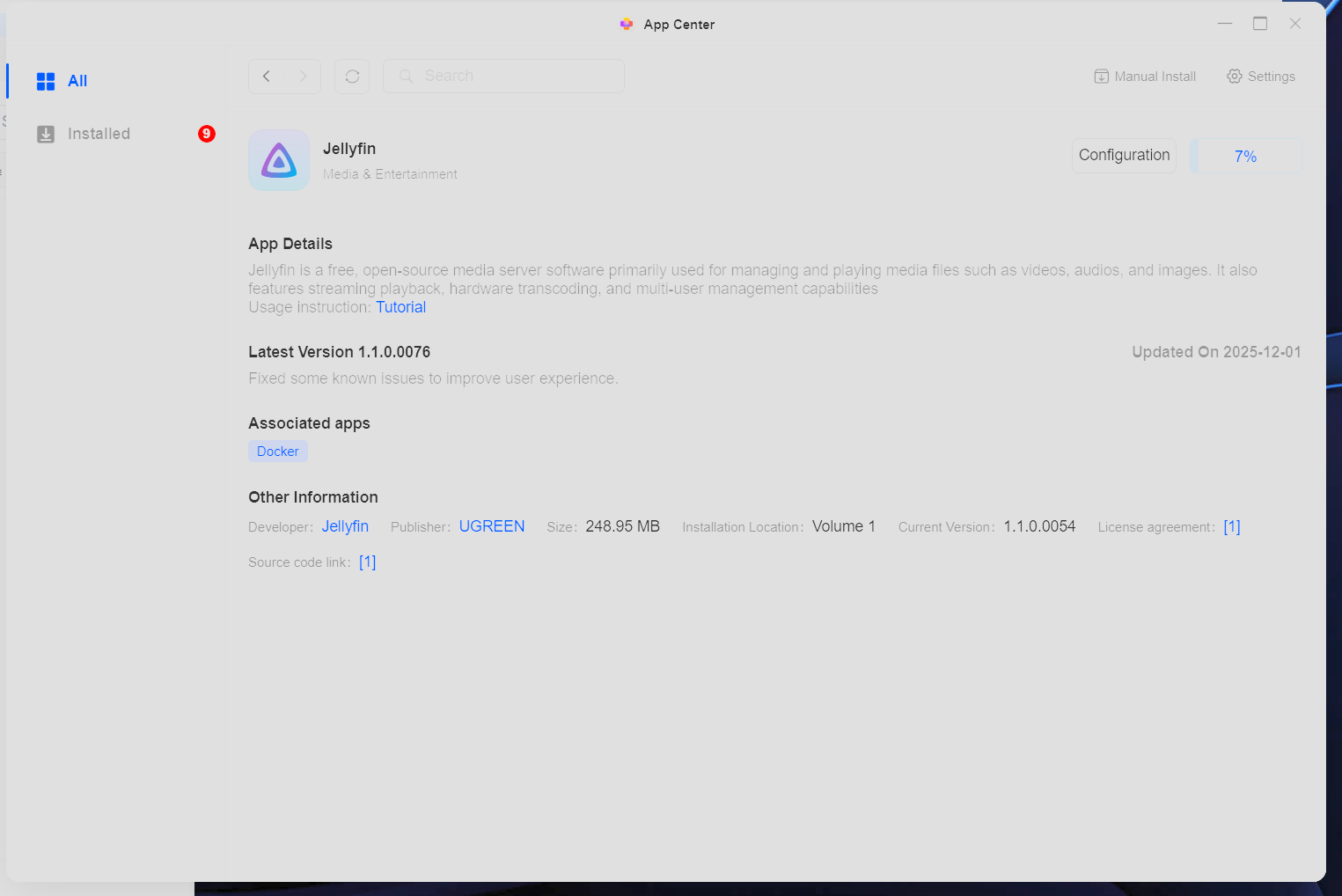
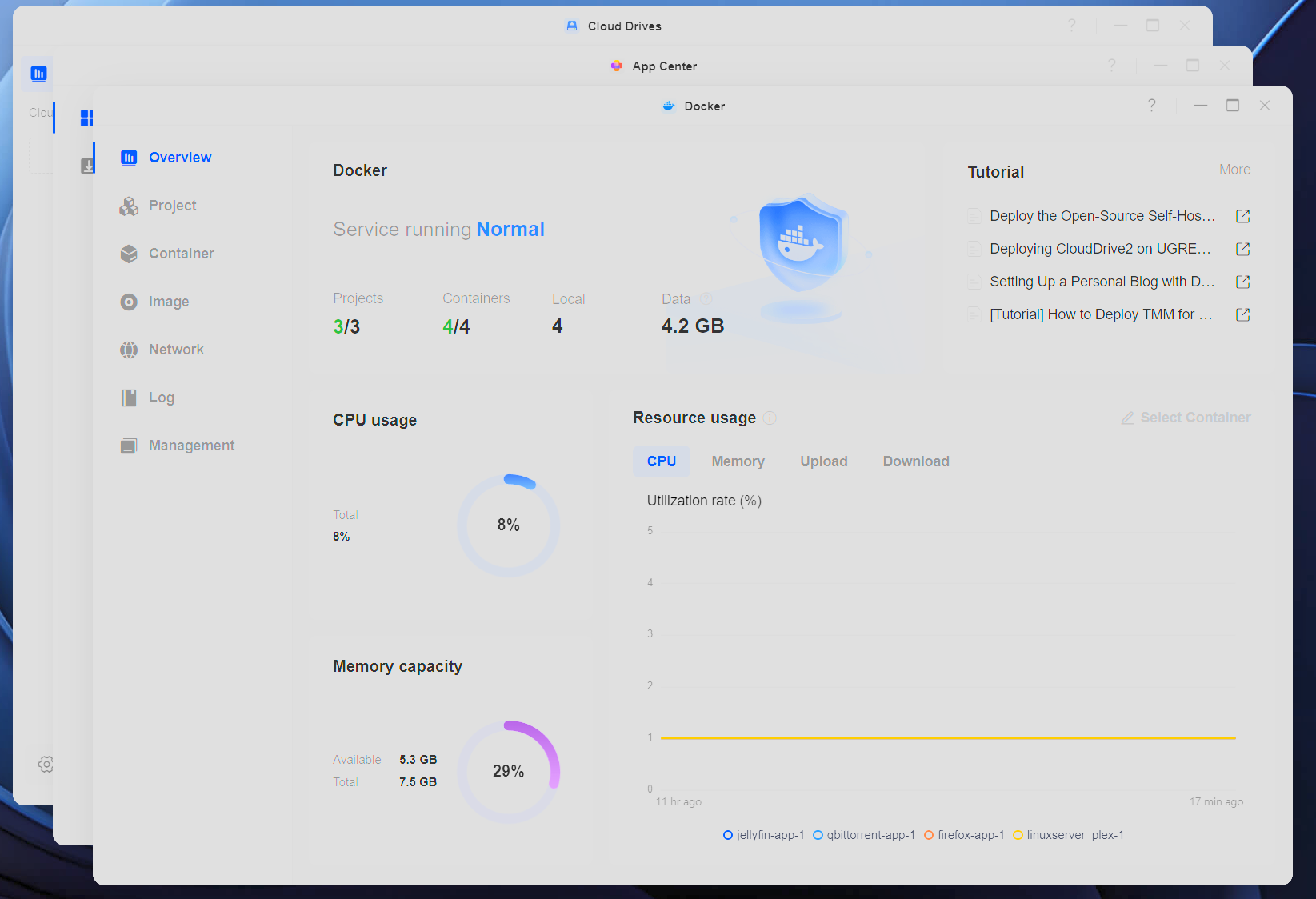
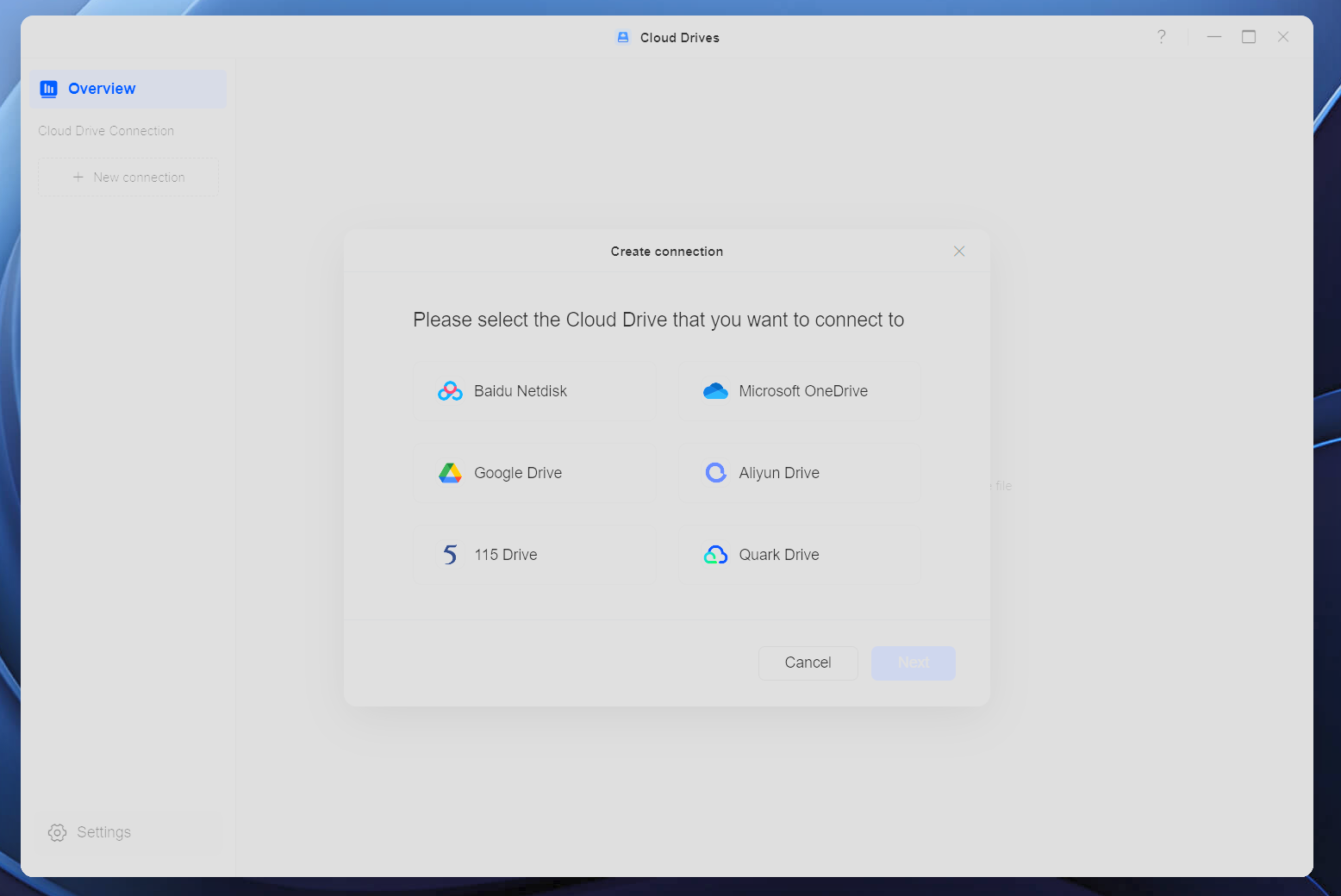
UGREEN is a newer player in the NAS space, and their UGOS Pro software reflects that reality. The core operating system - based on Debian - runs smoothly, and the interface is genuinely intuitive. However, if you're expecting one-click installation of apps like Plex, you'll encounter Docker containers instead. Docker works, but it's convoluted for anyone who isn't a programmer. I can figure it out ... I just don't want to deal with it when I expect things to work out of the box.
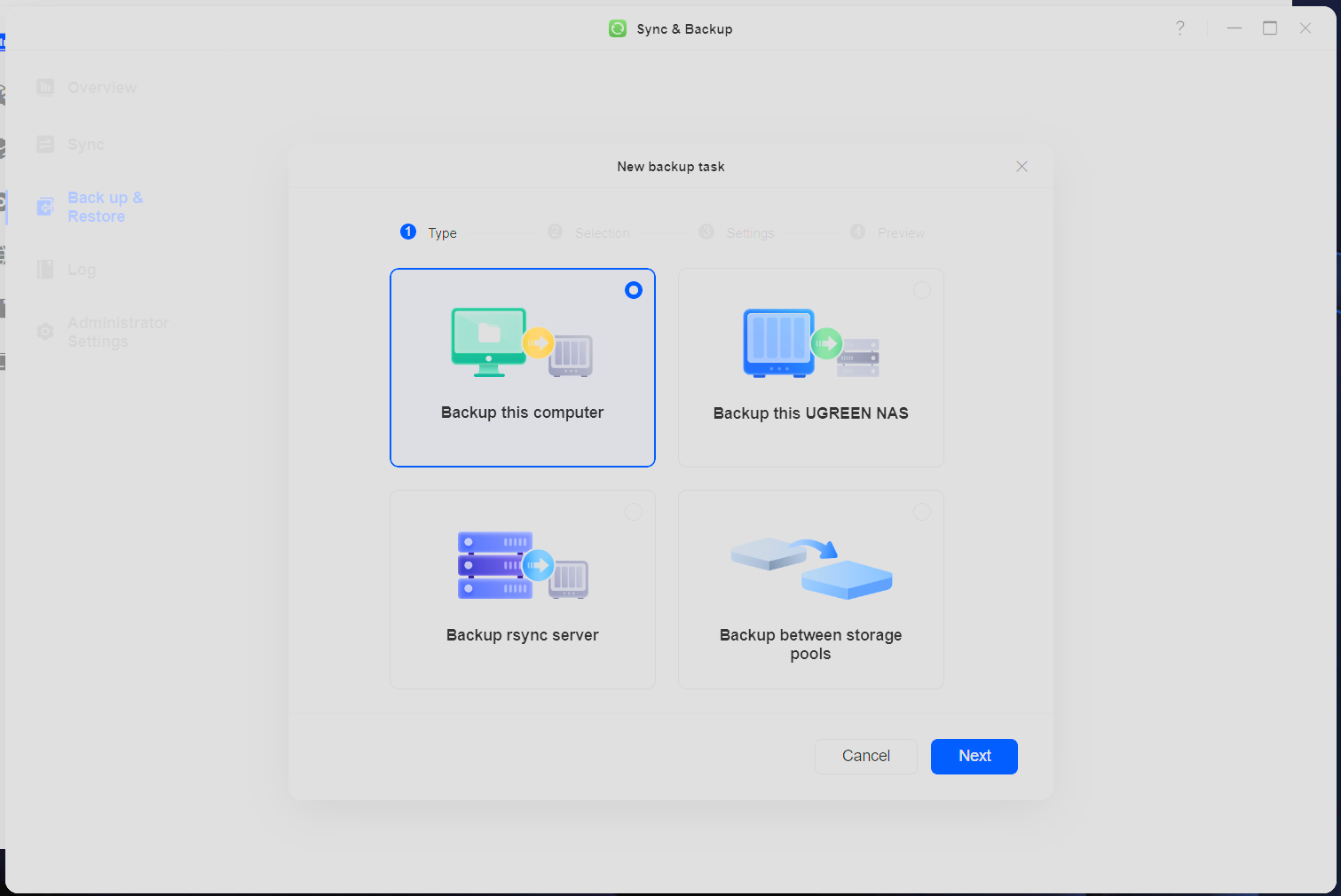
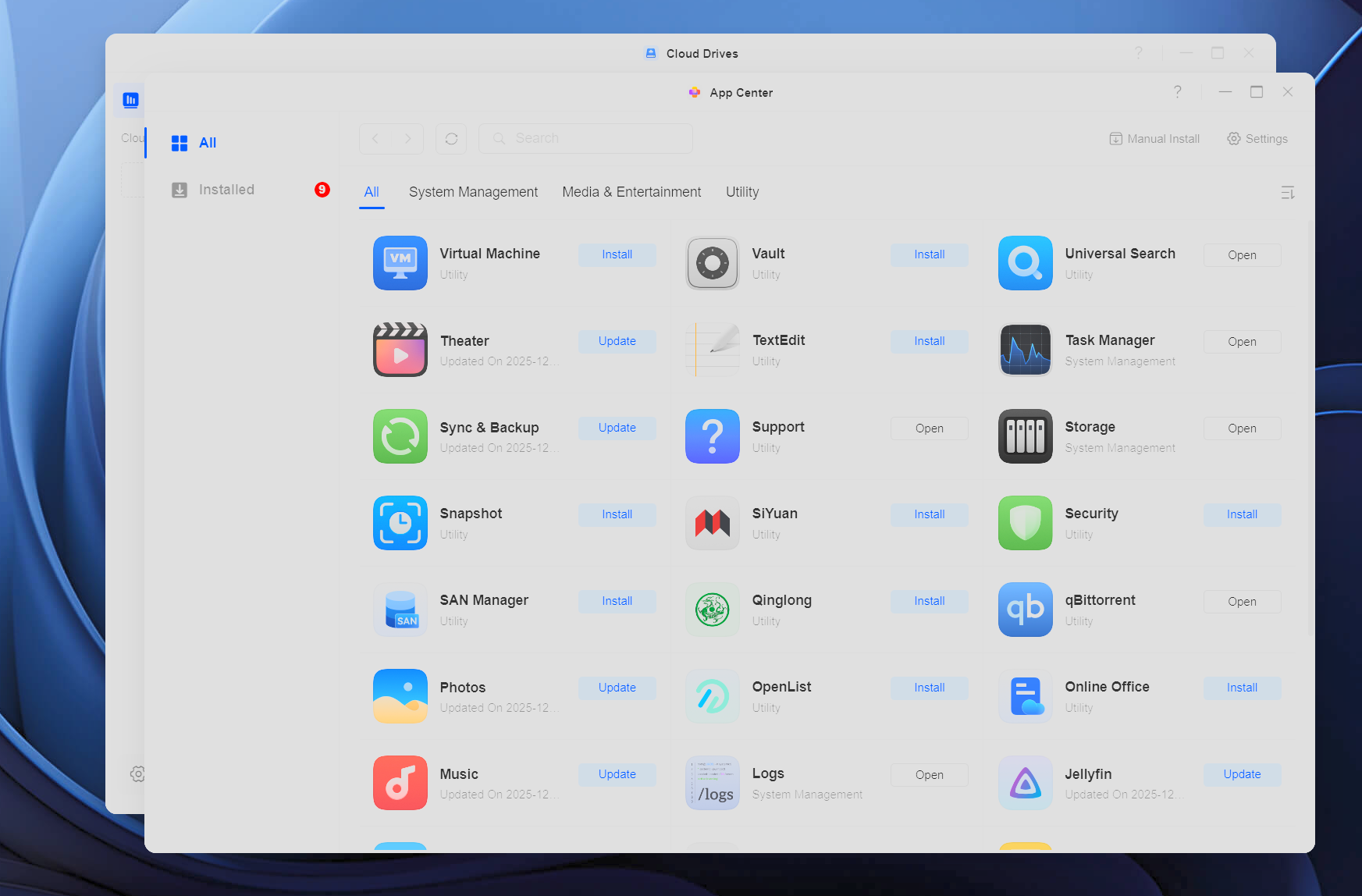
The good news: UGREEN pushes regular software updates. Their Theater app already handles about 90% of my media needs. They've clearly prioritized getting the fundamentals right - file management, backup, mobile sync, and the AI photo features all work excellently.
Hardware Specs That Justify Spending A Little Bit More
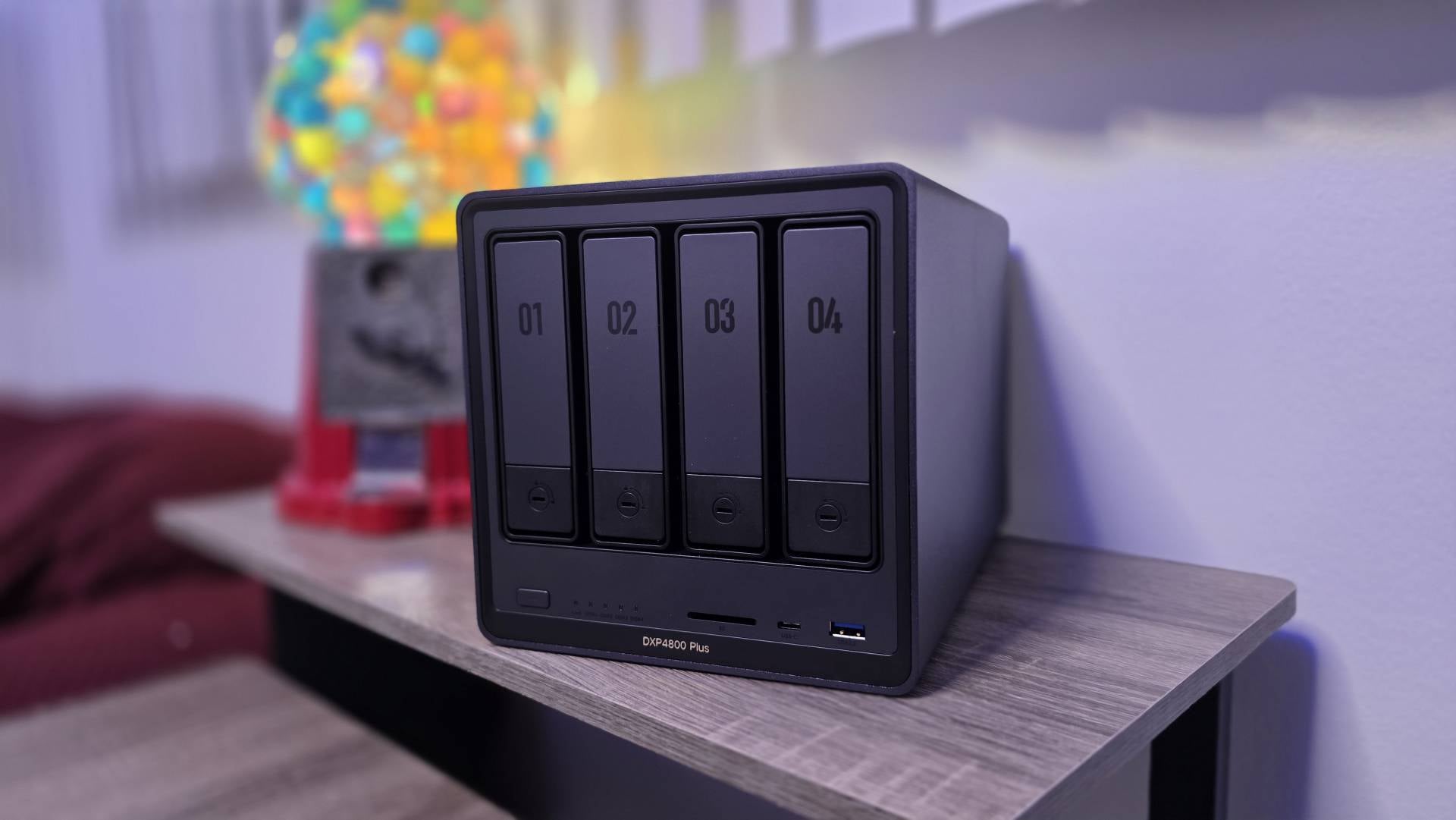
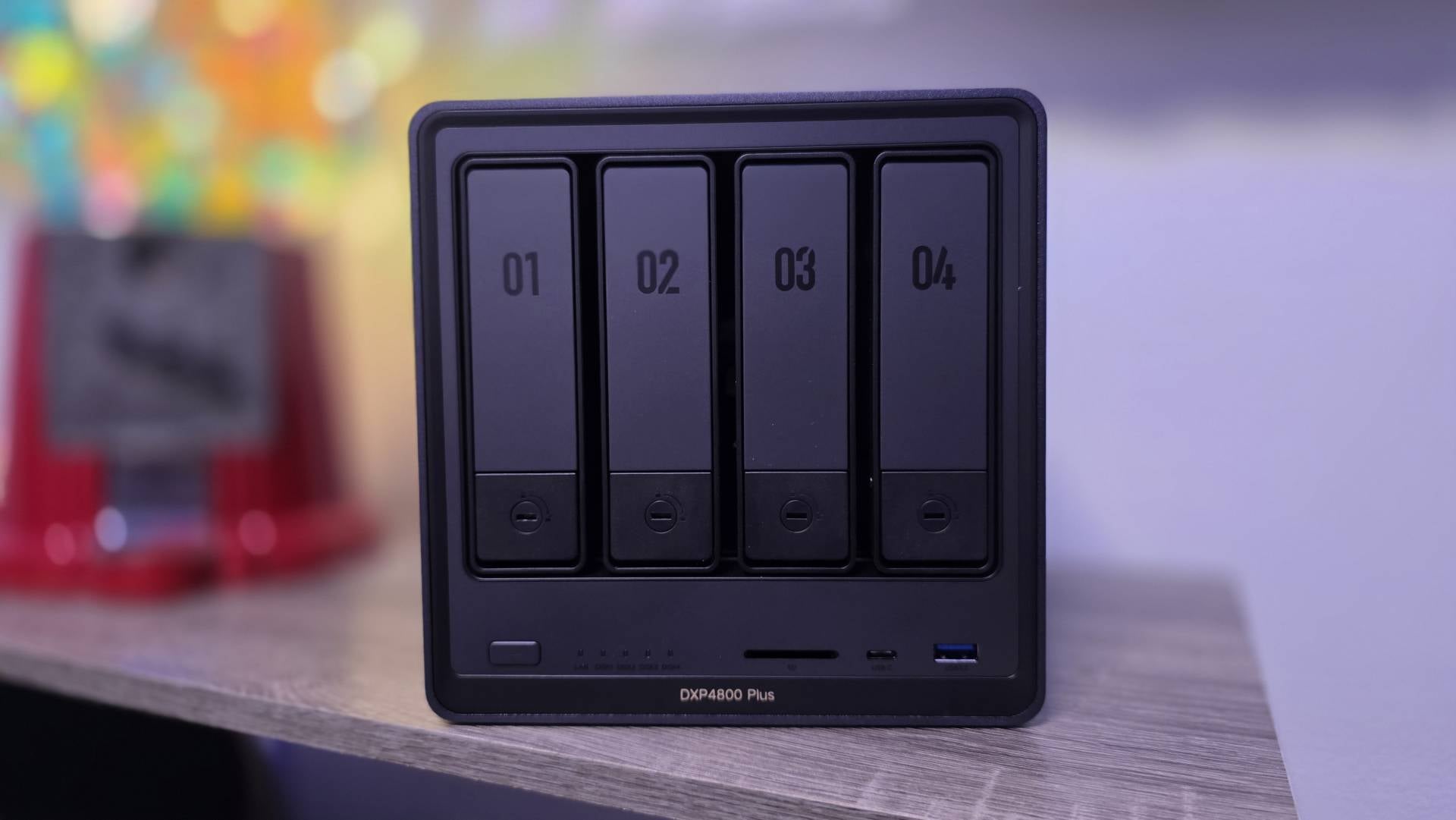
The compact 10.1" × 7.0" × 7.0" chassis houses serious capability without taking over your desk. Here's what you're getting under the hood:
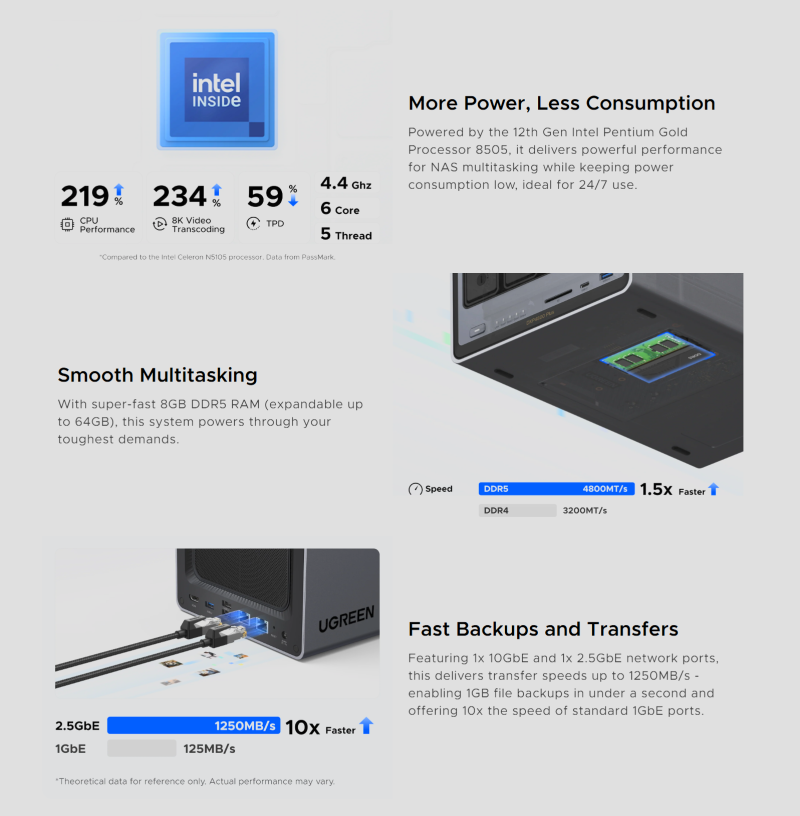
- Processor: Intel Pentium Gold 8505 (12th Gen, 5 cores, 6 threads, up to 4.4GHz)
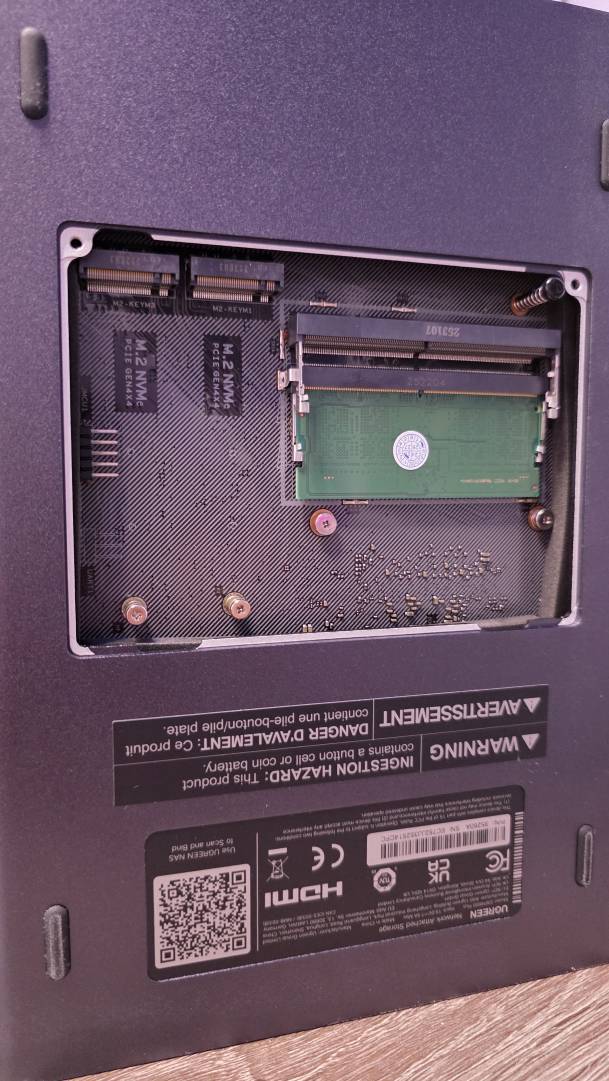
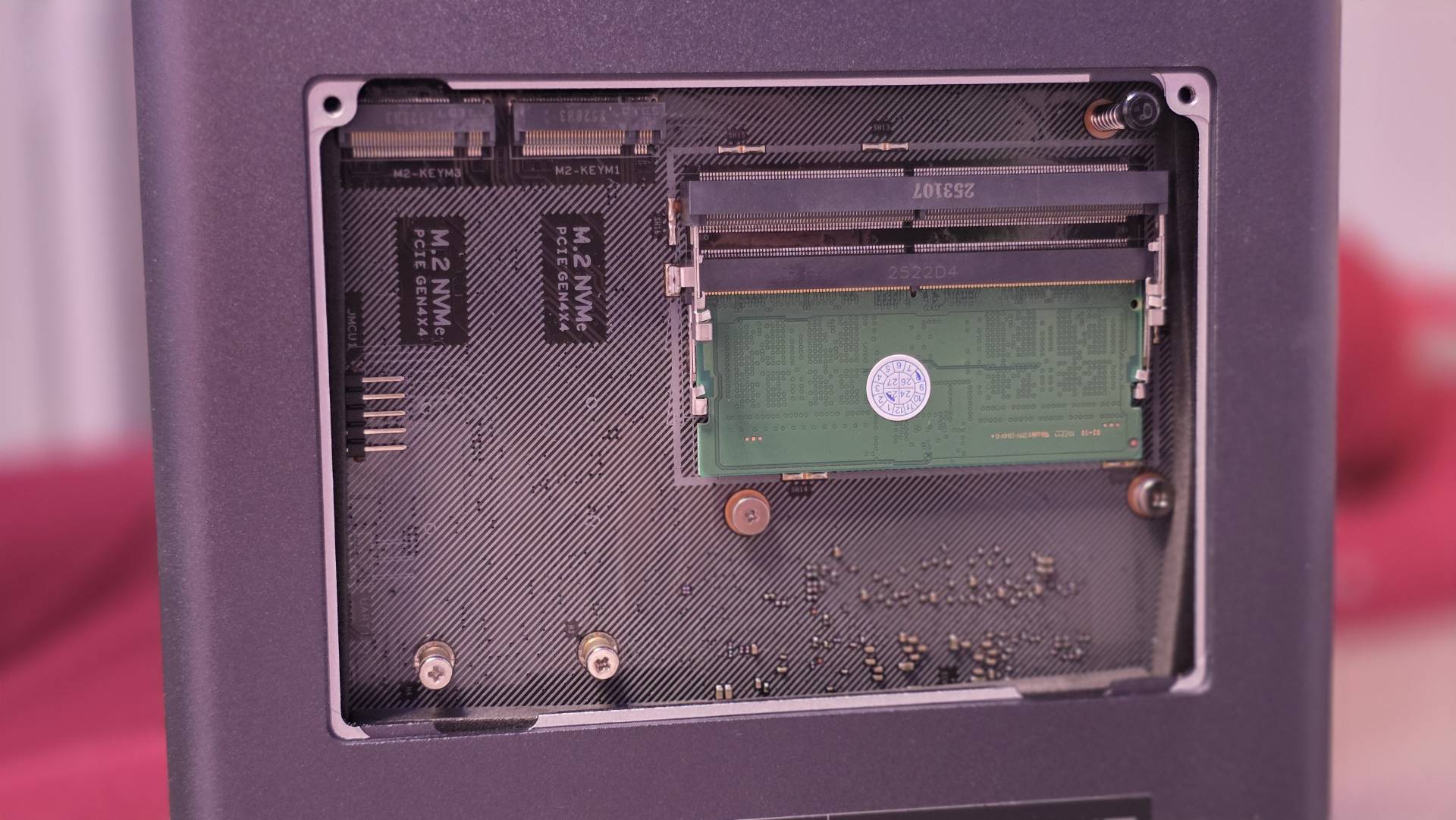
- Memory: 8GB DDR5 RAM standard, expandable to 64GB via dual SO-DIMM slots
- System Drive: 128GB SSD (dedicated for UGOS Pro - competitors typically use slower eMMC or USB DOM)
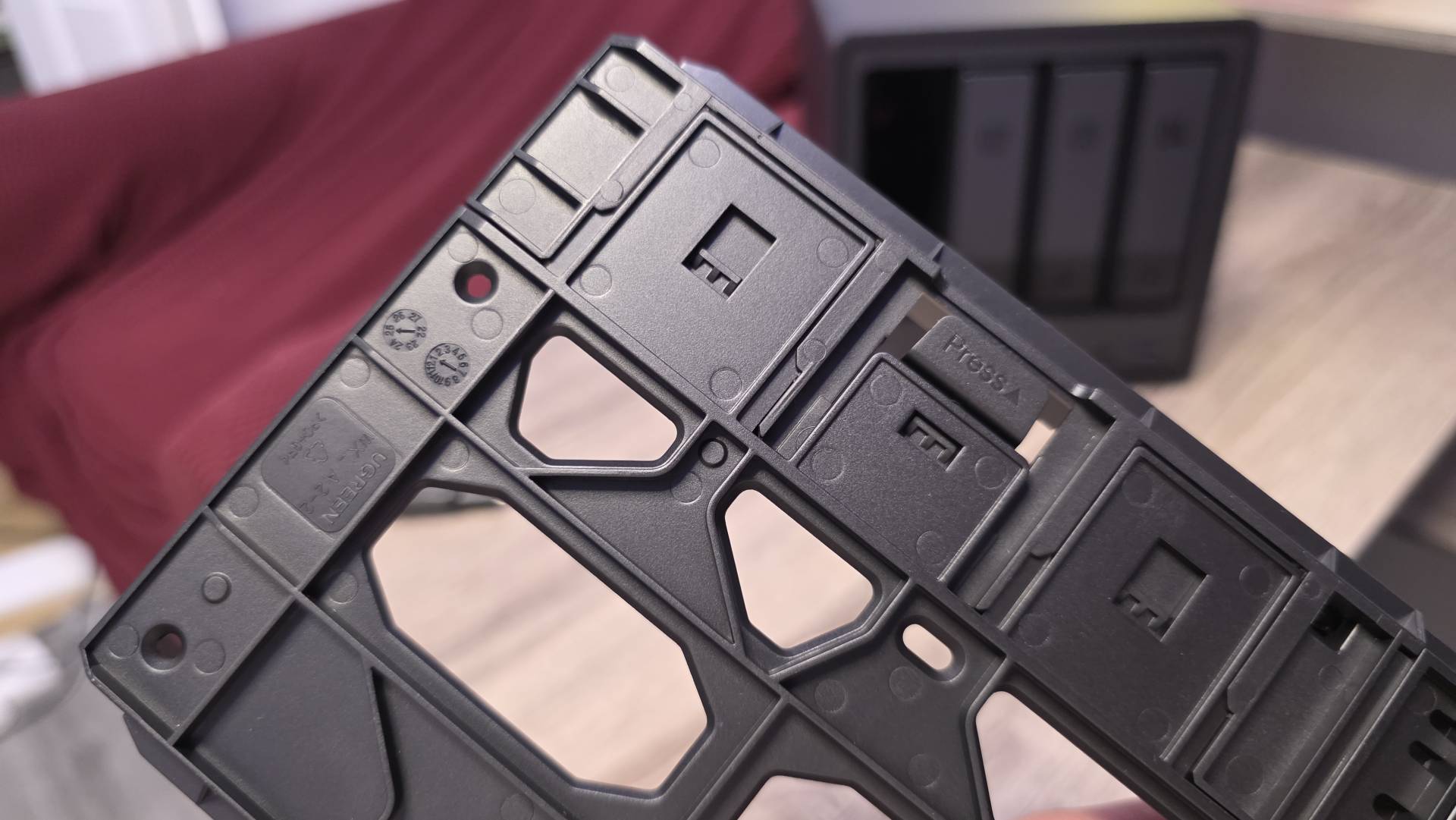
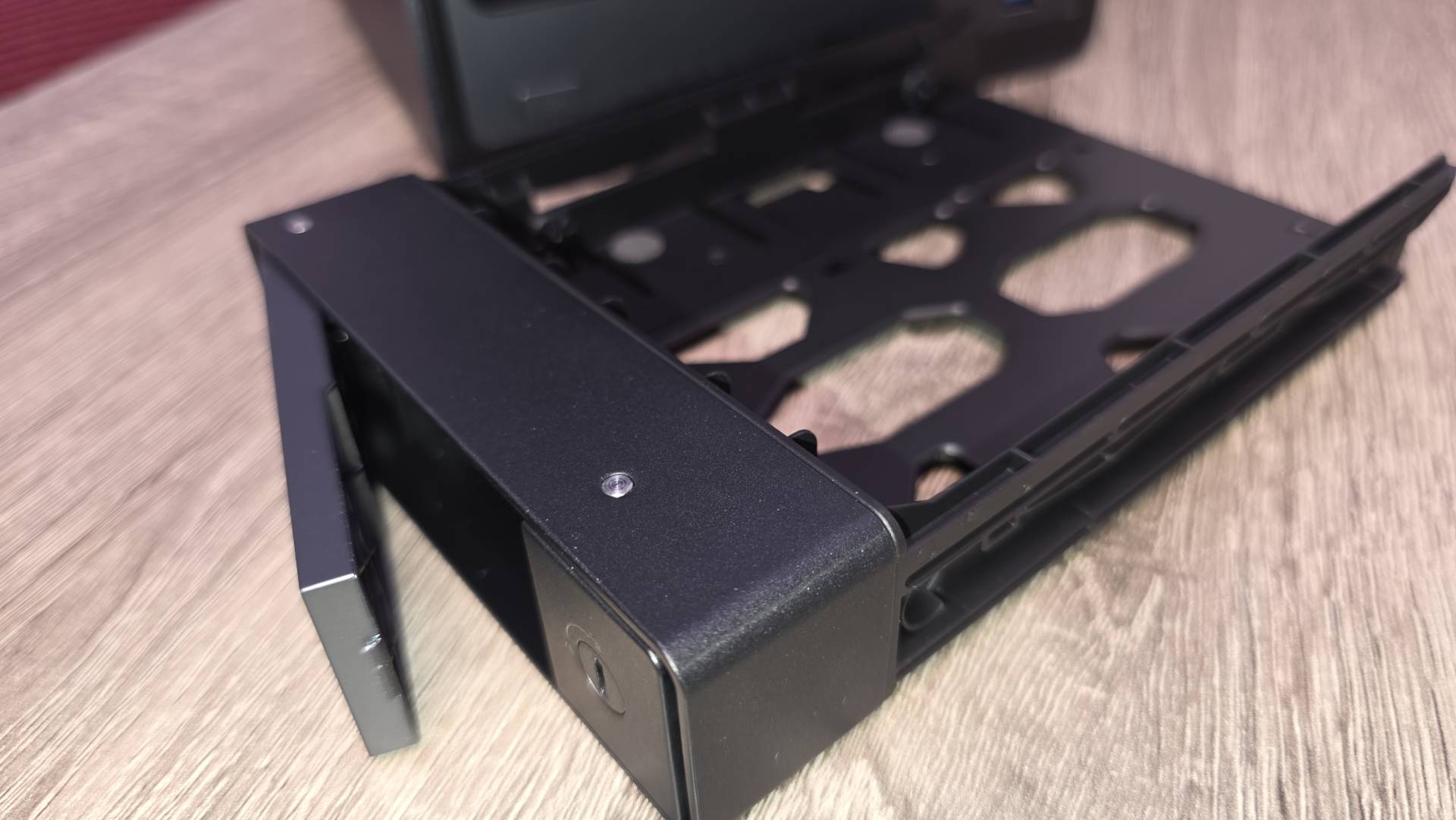
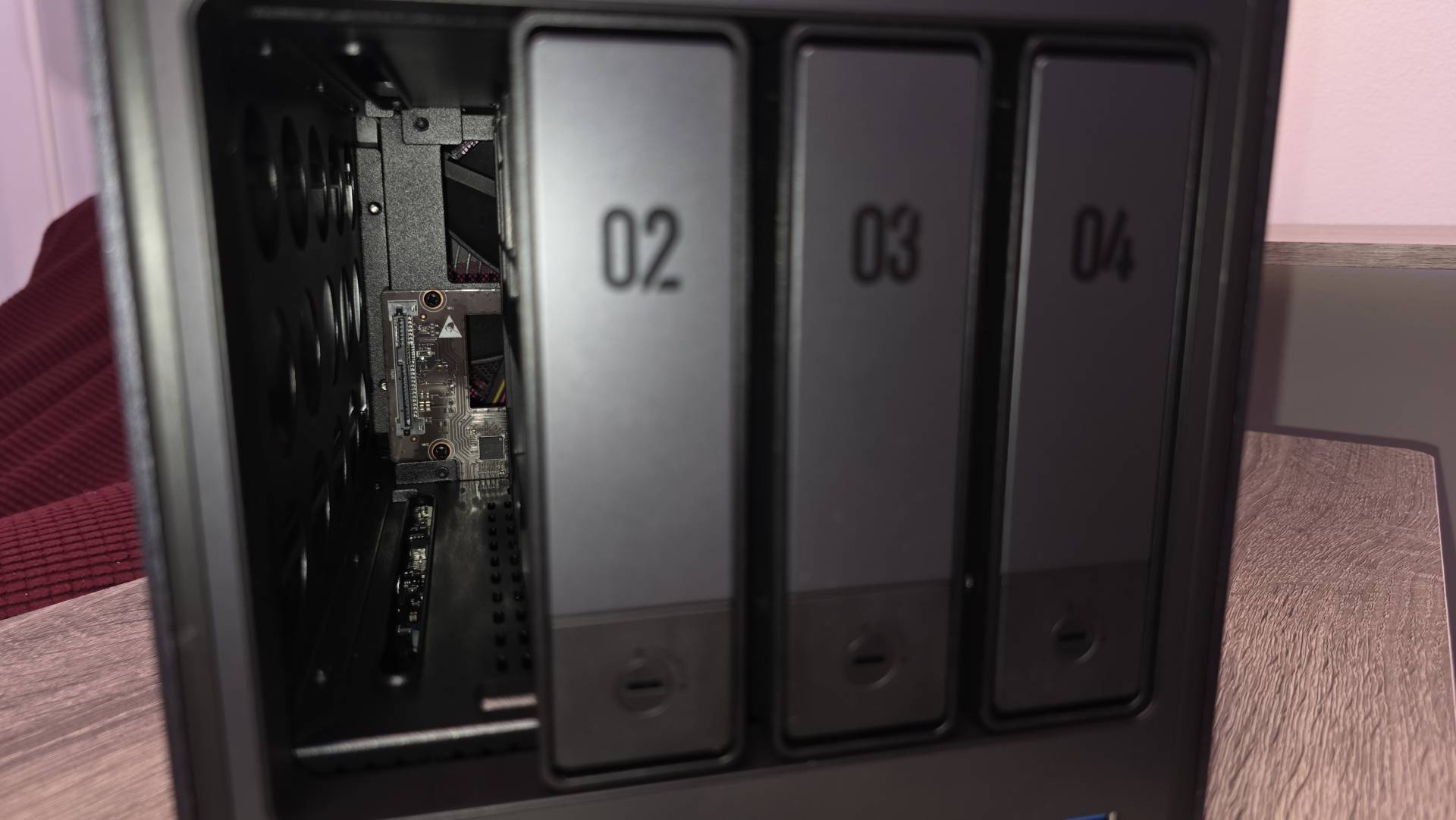
- Storage Bays: 4 SATA bays for 3.5" or 2.5" drives, plus 2 M.2 NVMe PCIe 4.0 slots for SSD caching
- Maximum Capacity: 136TB (4x 30TB HDDs + 2x 8TB M.2 SSDs)
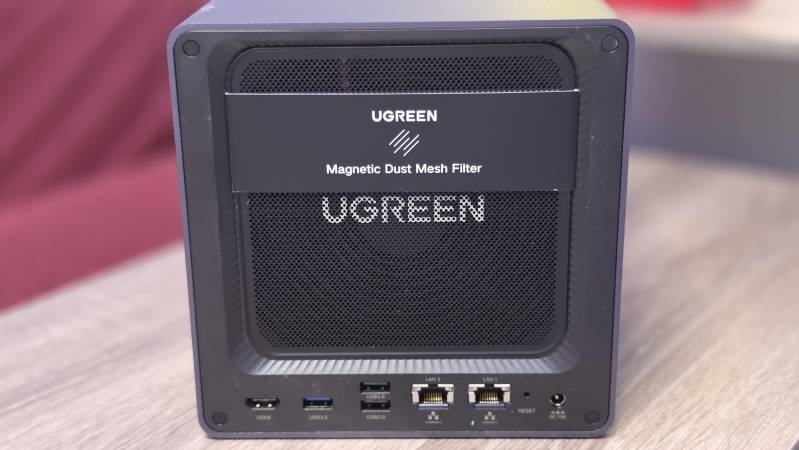
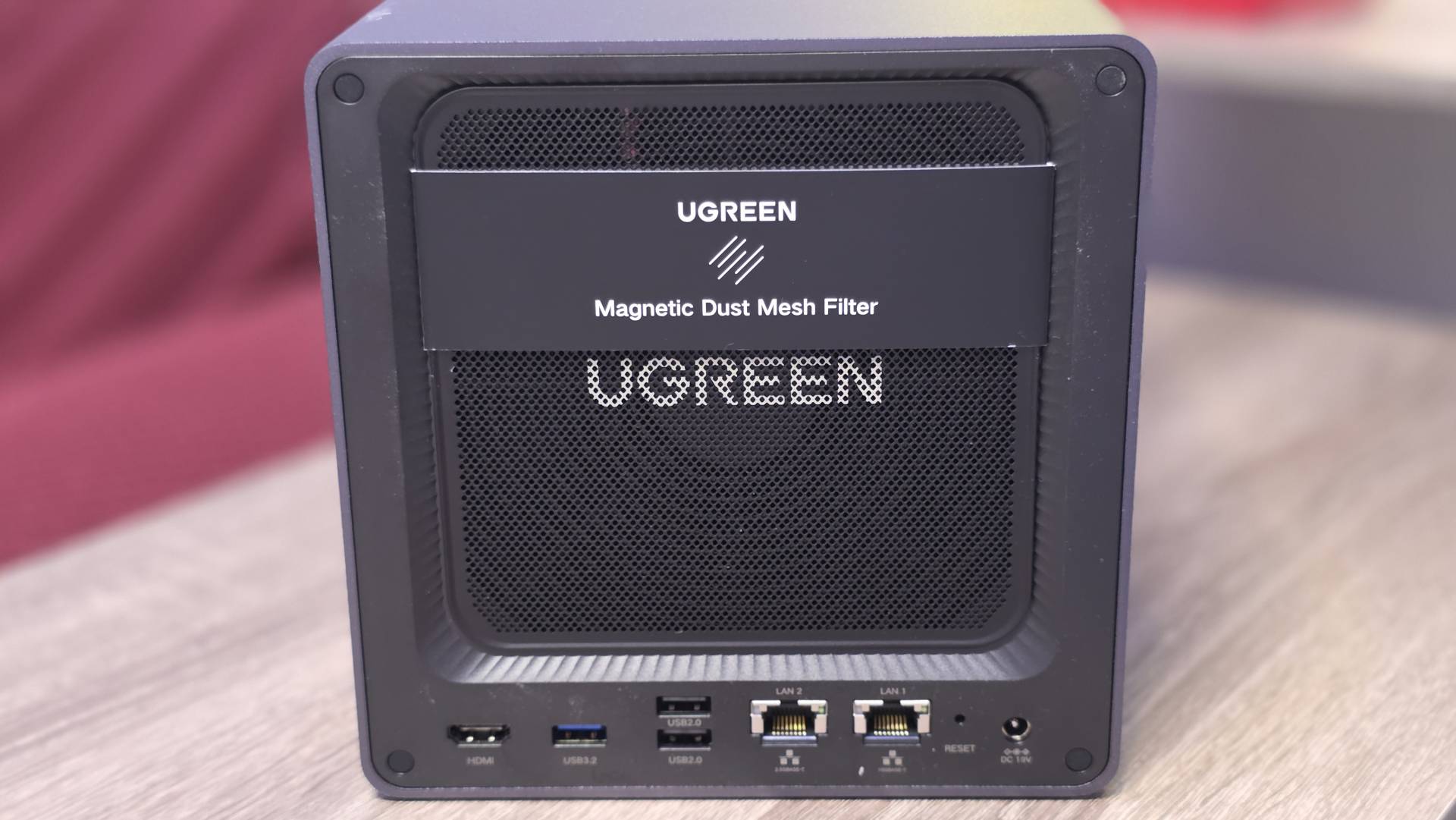
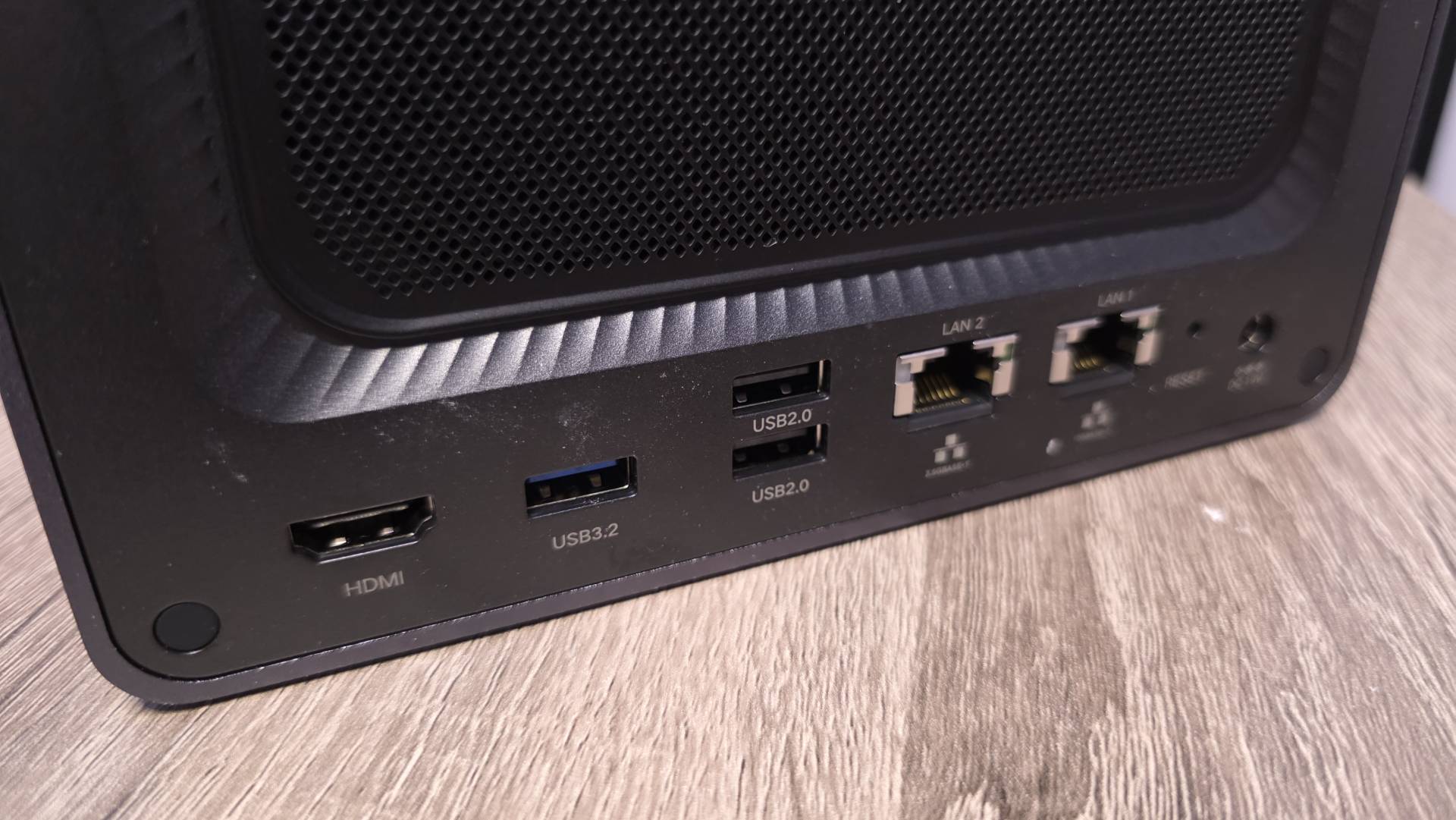
- Network Ports: 1x 10GbE + 1x 2.5GbE RJ45
- Front Panel: USB-C (10Gb/s), USB-A (10Gb/s), SD 3.0 card reader
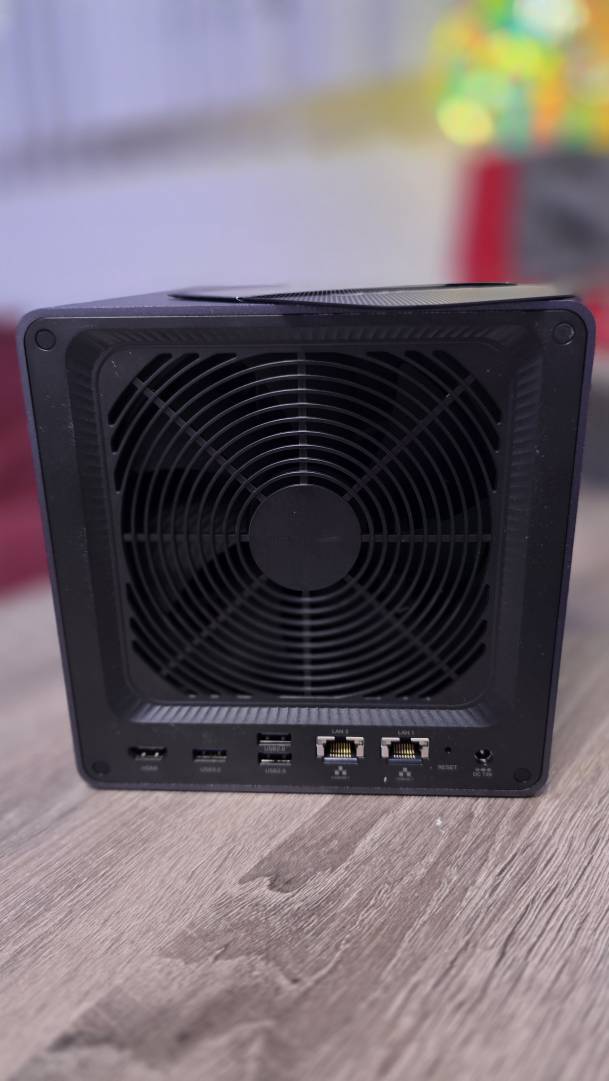
- Rear Panel: USB-A 3.2 Gen 1 (5Gb/s), 2x USB 2.0, 4K HDMI output
- Power Consumption: 42.36W during drive access, 18.12W in hibernation
- Cooling: 140mm fan with magnetic dust filter (a detail competitors often skip)
- RAID Support: JBOD, Basic, RAID 0, 1, 5, 6, 10
UGREEN includes CAT7 Ethernet cables, SSD silicone thermal pads, mounting screws with screwdriver, and drive bay keys in the box.
The Value Proposition: 10GbE Networking at a Price Competitors Can't Match
The DXP4800 Plus represents a genuine shift in what's possible at this price point. The $629-$699 asking price for the diskless unit sits well below comparable four-bay options from Synology, yet delivers 10GbE networking that many competitors charge extra for. Factor in the freedom to populate it with any compatible drives from Western Digital, Seagate, or Toshiba, and the total cost of ownership becomes even more attractive. For current pricing and availability, check Amazon.com - the DXP4800 Plus earned its place as one of Kickstarter's most successful NAS campaigns for good reason.
A Genuinely Flexible Home Office Hub That Does More Than Store Files
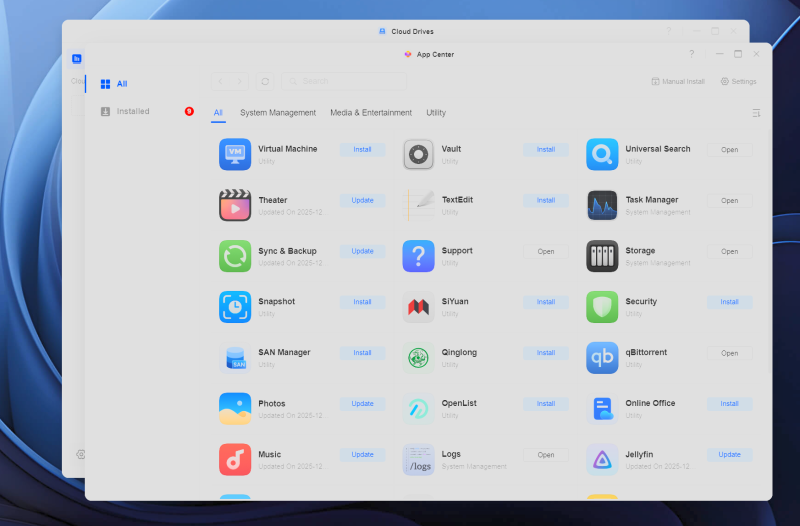
The DXP4800 Plus solves my core storage and backup needs, but its flexibility extends into territory I hadn't considered initially. For example, the 4K HDMI output means it doubles as a media server connected directly to your living room TV or even a second desktop monitor - no additional hardware required. For guys who work from home and want seamless transitions between productivity and entertainment, that single cable connection simplifies everything.
Here's something retro gaming enthusiasts will appreciate: you can install RetroNAS or RetroAssembly via Docker to turn the DXP4800 Plus into a centralized retro gaming hub. Instead of keeping your MAME or RetroArch ROM collections scattered across USB sticks and old hard drives, store everything on the NAS and access it from your desktop, laptop, phone, or directly on your TV via the HDMI output with a USB controller plugged in. The Intel Pentium Gold 8505's processing power handles classic console and arcade emulation without breaking a sweat, and the centralized storage means your save states sync across devices.
I haven't gotten a chance yet to test out some of these more advanced applications, but once the craziness of holiday gift shopping wraps up, I know I'm looking forward to exploring the fun side of this awesome NAS from UGREEN!

Promoted by FlowAds
