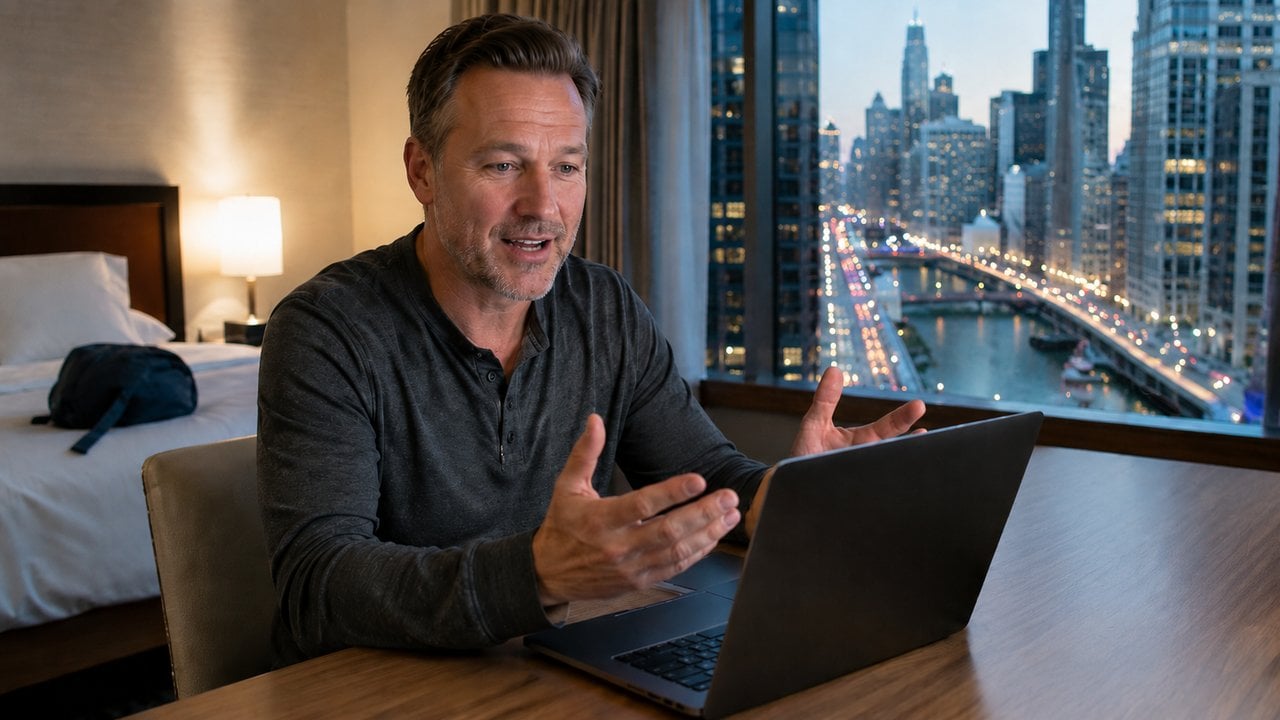
Most travel blogging gear lists cover the same four items: a mirrorless body, a phone gimbal, an action camera, and a wireless mic. The webcam almost never makes the list, which is strange, because it is the camera you point at your own face more than any other. It will also go live on YouTube without a capture card, a dummy battery, and forty minutes of setup, which is more than the mirrorless body can say.
The Camera In Your Laptop Is The Weakest One You Own
Laptop makers put the camera in the thinnest part of the machine, which caps how much sensor and glass they can physically fit behind the lid. Plenty of current laptops top out at 1080p, and the budget tier is still shipping 720p. The sensor behind that lens is a fraction of the size of the one in a standalone 4K unit, so the picture falls apart the moment the light is anything other than a window at noon.
You already know what it looks like, because you have seen yourself on a hotel wifi call. Grainy, flat, and a little green. That is fine for a Tuesday check in with work colleagues. It is not fine for the intro segment of a video someone is going to watch on a 65 inch television.
A Gimbal Webcam Follows You Around The Desk
The webcam I use sits on a motorized gimbal, and it pans and tilts to keep me centered as I move. I can stand up, step back from the desk, walk a few feet, and I am still in frame. The alternative is sitting square to the laptop lid and staying there.

Ward Cove Alaska: Authentic Tlingit Culture & Tongass Wilderness Adventures
Cruising News and Reviews for west coast cruisers and those considering cruising for the first time.
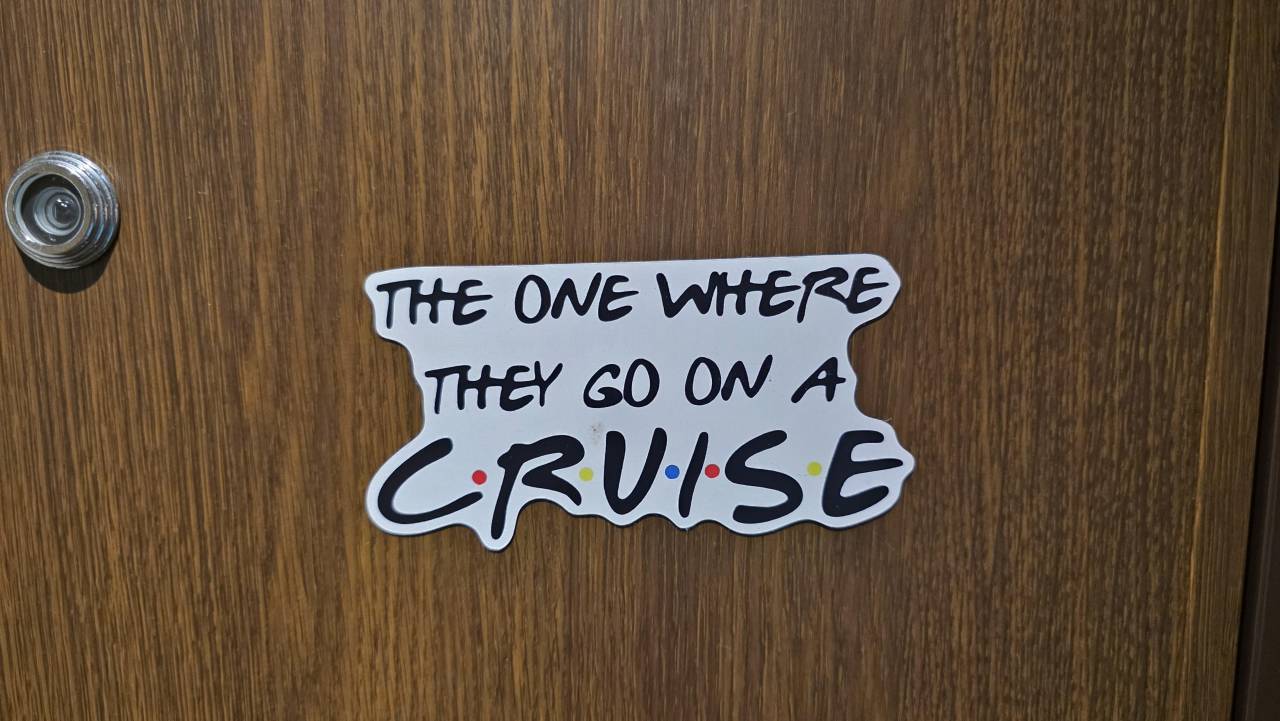
From Carnival to Norwegian: Cruise Hacks We Love That Cruise Lines Keep Trying to Ban
Cruise hacks for power strips, radios, door decorations, and more - plus which lines allow them and which don't. Real tips from 30+ cruises on Carnival, Norwegian, Royal Caribbean, and Disney.

6 Day Tour-The Best of Thailand and Vietnam
A 6-day guided tour of Bangkok, Hanoi and Halong Bay with hotels, transfers and local cuisine, ideal for travelers seeking two countries in one trip.
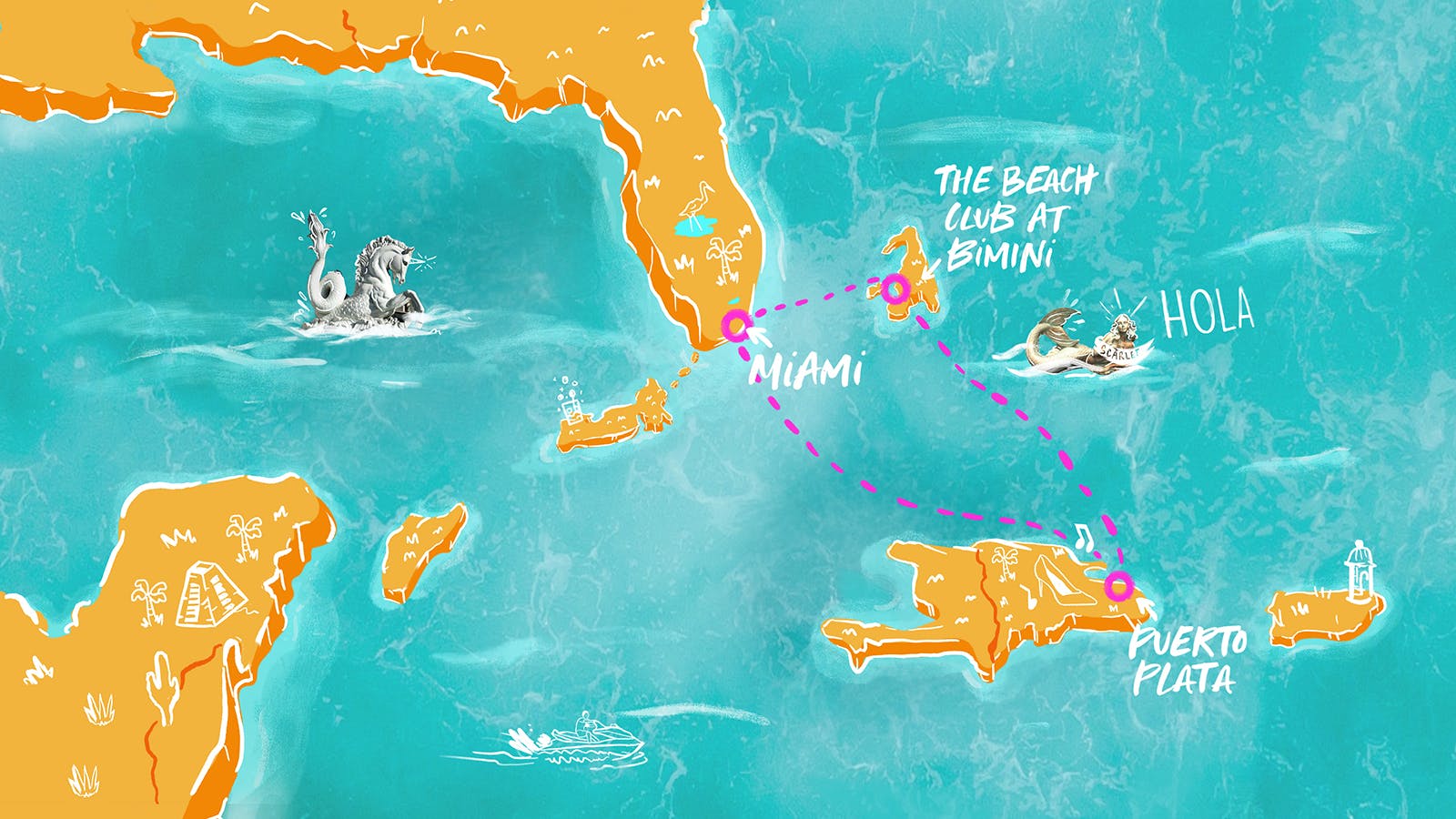
Dominican Daze
Tailor your getaway on Resilient Lady with a luxurious cruise experience. Enjoy top-notch amenities and explore beautiful destinations in the Caribbean.
Promoted by FlowAds

Standing changes how you talk. You gesture more, you read less, and the take has more energy in it. None of that is available to you if stepping outside a two-foot box ruins the shot.
Insta360 sells both approaches in its 4k webcam range, and the split is worth sorting out before you spend anything. The Link 2 mounts the camera on a two-axis gimbal that physically pans and tilts to follow you. The cheaper Link 2C drops the gimbal and does the job in software, digitally zooming and panning inside a fixed frame. Both shoot 4K, but only one of them can turn its head, and the software version pays for every pan by throwing away pixels. It is the same idea behind an AI tracking camera on a youth sports sideline, pointed at you instead of at the field.
Live Streaming Without A Capture Card
Try to live stream from a mirrorless body and you find out how many links the chain has. Clean HDMI out, a capture card, a dummy battery or wall adapter because an internal battery is not built for a long session, and a software path that recognizes all of it. Several manufacturers do offer a USB webcam mode now, and it is better than it was, but recording limits and heat are still part of the deal.
Man Gear Pick of the Month
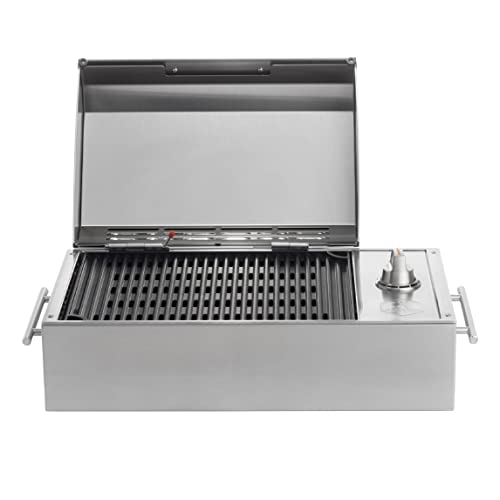
Kenyon City Grill Portable Stainless Steel Electric Grill
Why we picked it: a grill you can actually carry to the campsite, the tailgate or the cabin without borrowing a truck. Stainless, no propane tank to wrestle, and hot enough to cook for four guys rather than reheat for one.
 August's Pick LiberNovo Maxis Electric Big and Tall Ergonomic Office Chair, Graphite 52cm $1,466.00
  July's Pick Powerful Propane Torch Gun, Adjustable Flame Thrower Gun, Kitchen Torch with Detachable Design, Flamethrower Blow Torch for BBQ, Searing Steak, Welding, Camping Charcoal Lighter(Tank Not Included) $41.99
  June's Pick OYASUMI Funny BBQ Man Hot Dog Holders, 4 PCS Reusable Stainless Steel Sausage Stands, Portable Hot Dog Roasters, Barbecue Grill Accessories for Camping & Party Gifts $14.98
 Promoted by FlowAds

A webcam is just a USB device. You plug it in, it shows up in OBS, Zoom, YouTube Studio or Riverside, and it stays plugged in, which is what changes behavior. A setup that takes four minutes gets used every week. A setup that takes forty minutes gets used when a sponsor is paying for it.
What The Webcam Does Between Trips
Most of a travel blog is not made on the road. You get home from a guys trip through Moab with 200 gigs of footage, and then the real work starts: the intro and outro segments that bookend the trip video, the Q and A when the guide post goes up, the Sunday night live stream where you answer the same six questions about permits and parking that your buddies asked in the truck. All of it gets shot at a desk, pointed at your face.
Then there is the work that happens while you are still out there. A tourism board call from a hotel room, a podcast appearance you booked three weeks ago, a live check in before dinner. A webcam and a laptop fit in the same sleeve, and a hotel desk turned toward the window is better light than most home offices ever get.
The camera is only half of it. A sharp picture with bad audio still gets clicked off, and a premium USB microphone is not automatically the right one for a single presenter sitting at a desk. Match the mic to how you actually work before you spend on it.
Set The Tracking Boundaries Before You Go Live
If the webcam tracks, define the boundaries of the area it is allowed to follow you into, and do it before the first stream rather than during one. Insta360 calls them tracking fences, and the camera holds still once you cross one. Without them it follows you as far as you walk, so one step toward the door puts your entryway in the shot instead of your set.
Spend ten minutes on a test recording at your real working distance, standing, moving the way you move when you are talking. Watch it back on a big screen rather than the laptop. The camera you leave plugged in is the one that ends up in the video, and right now that is a 1080p pinhole under your screen bezel.