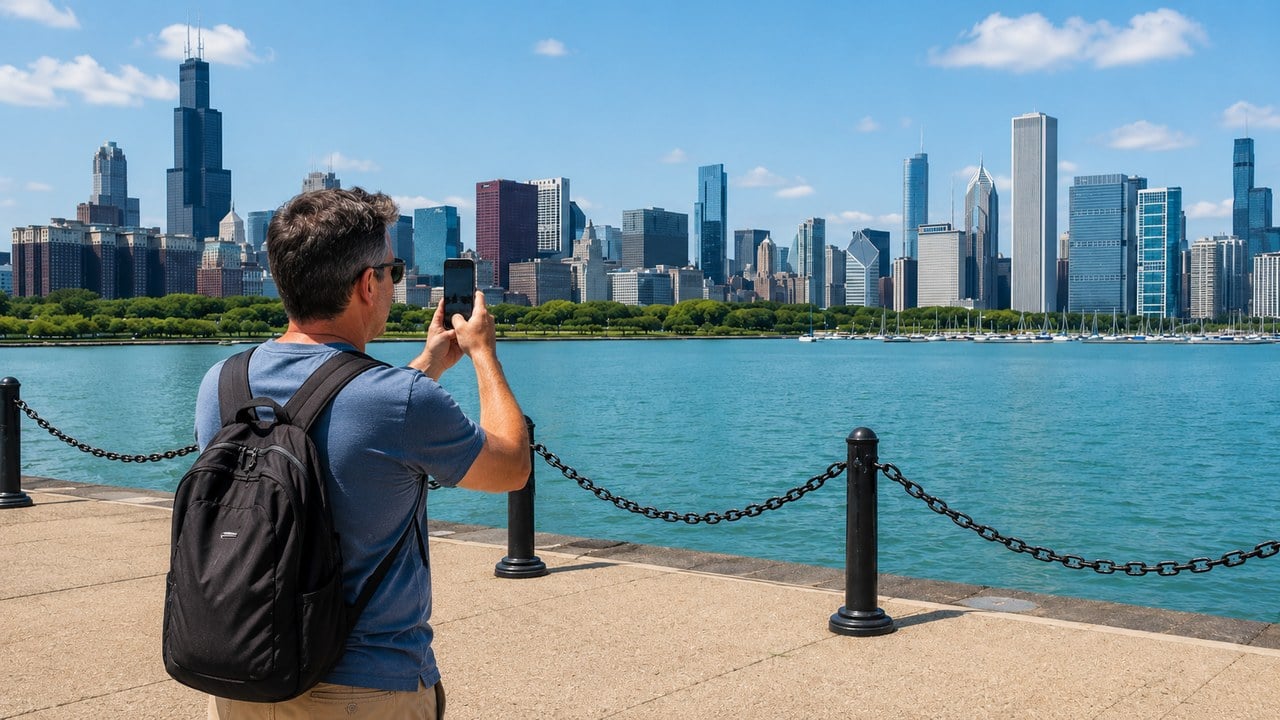
You've done the trip. You've got the photos, the stories, the inside jokes that only make sense to the guys who were there. Maybe you've got some decent phone footage from the Alaska cruise you finally pulled off, or the Midwest road trip where nobody agreed on the route and it turned out better for it. But somewhere between getting home and doing something with all of it, the momentum stalls. Editing video is a skill most of us never bothered to learn, and sitting in front of a laptop moving clips around at 11pm on a Tuesday isn't anybody's idea of reliving a great trip.
Here's the thing: you don't have to do any of that anymore. AI video tools have gotten to a point where the actual editing is handled automatically. That's the tedious mechanical work that kept most people from ever making a proper travel video. What you need to bring is the story. The tool handles the rest.
From Trip Notes to Watchable Video in Under an Hour
The most practical application for most guys isn't turning raw footage into a polished film. It's taking the written content you already have - a trip itinerary, a destination breakdown you put together for the group chat, a list of spots you hit and what was worth it - and turning that into a video people will watch.
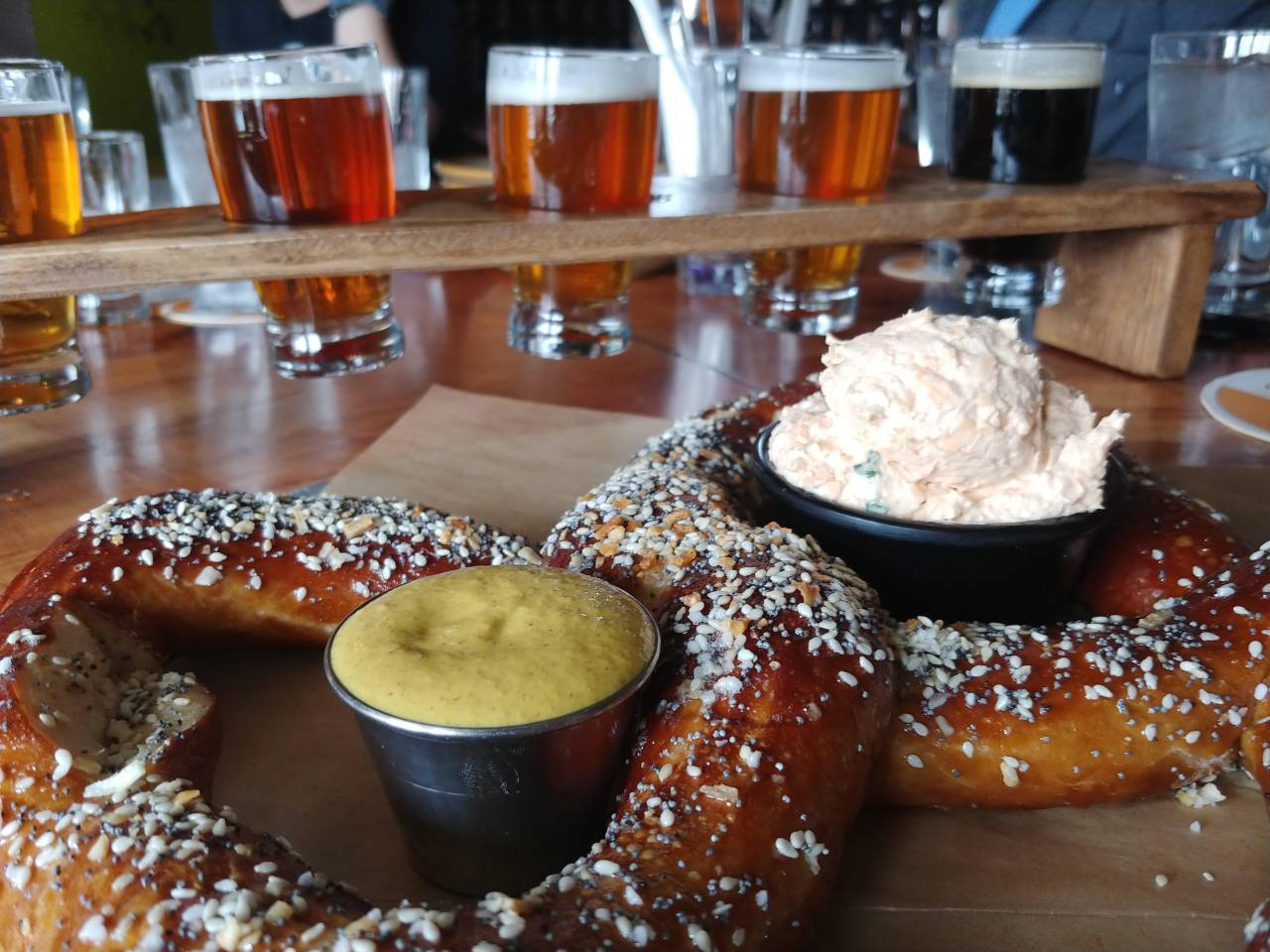
Beyond Detroit: Best Places In Michigan For A Guys Trip
Discover Michigan's best guys trip destinations, from Grand Rapids' brewery scene to outdoor adventures in Pictured Rocks and Copper Harbor.
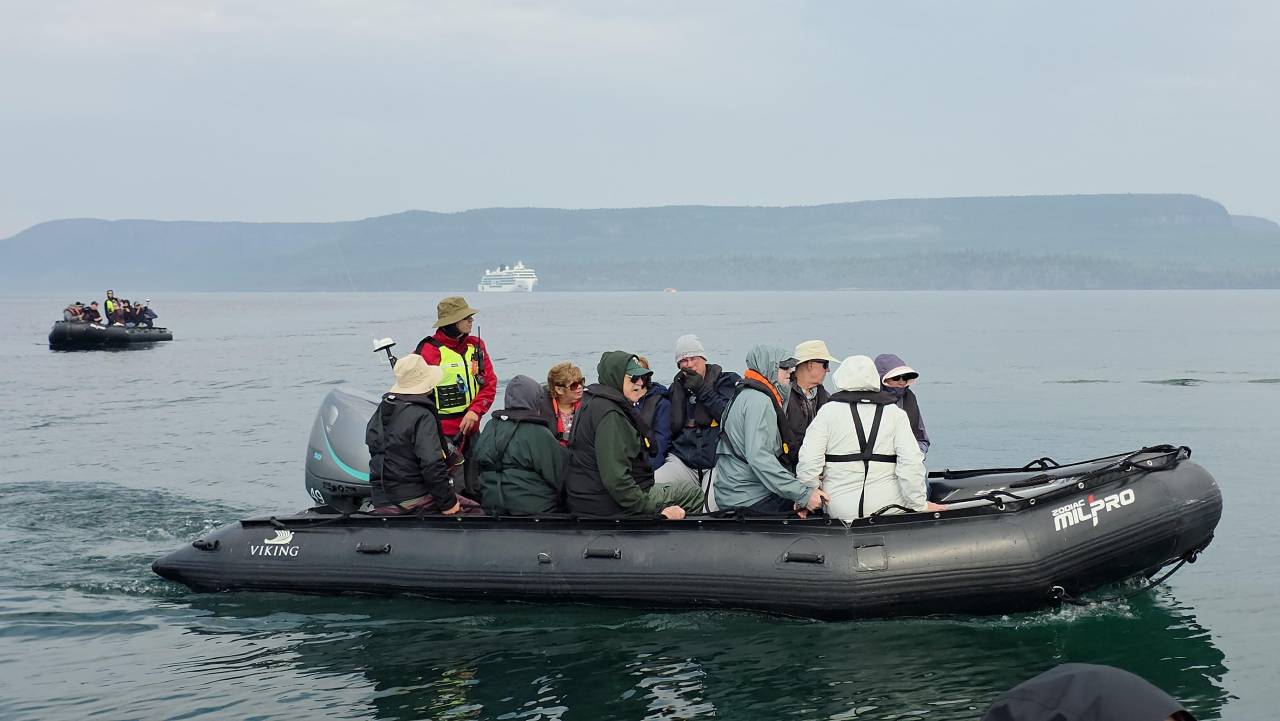
7 Things Men Need to Know Before Booking an Expedition Cruise
Expedition cruise essentials: Zodiac boats to luxury amenities reveal accessible adventure cruising. Perfect for affluent travelers seeking remote destinations without sacrificing comfort.

Margaritaville Island Reserve Riviera Maya
Get ready for the ultimate adults-only getaway. Introducing Margaritaville Beach Resort Riviera Maya, the first adults-only all-inclusive property. Now Open!

6 Days Vietnam Essential Tour
Tour Vietnam's highlights from Saigon to Hanoi, with the Cu Chi tunnels, Mekong Delta and an overnight Halong Bay cruise. Ideal for first-time visitors.
Promoted by FlowAds

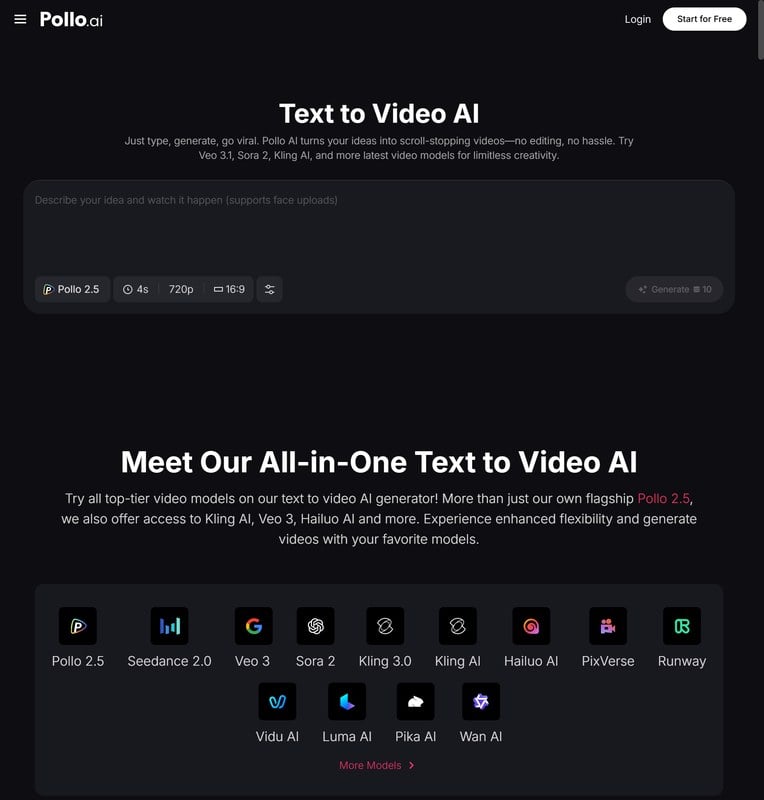
That's exactly what text-to-video AI does. You write (or paste) the content, and the tool builds a video around it: visuals, pacing, text overlays, audio. The convert text to video tool on Pollo AI is one of the more capable options for this. You give it your travel write-up, whether that's a guys trip recap, a destination guide you put together, or a breakdown of the best bourbon bars in Louisville or the best surf breaks in Costa Rica. Pollo AI turns it into a formatted, shareable video. The kind of thing you'd send to friends thinking about the same trip, or post somewhere that isn't just a wall of text nobody reads past the first paragraph.
For the guys trip organizer specifically, this is genuinely useful. I've found that the research is always done. The itinerary exists, the destination case has already been made to convince the rest of the group it's worth the flight. Converting that work into a two-minute video is now a fifteen-minute task, not a weekend project. Pollo AI handles the visual assembly; you supply the local knowledge and the trip vision that makes it worth watching.
The Trips That Deserve More Than a Photo Dump
Most guys treat their travel content the same way: dump the photos into a shared album, maybe post a few highlights, and let the trip slowly fade from the group chat into memory. That works fine for a three-day road trip. It feels like a waste for the trips that meant something.
Man Gear Pick of the Month
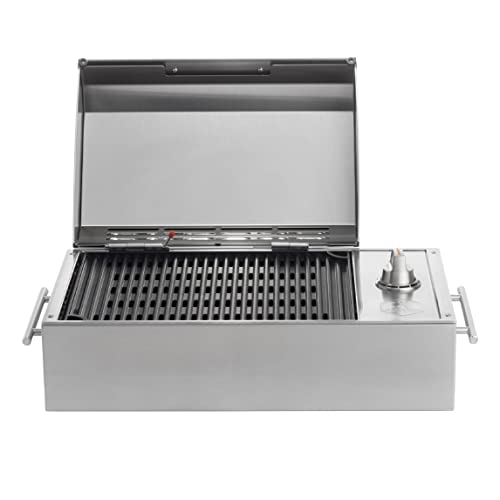
Kenyon City Grill Portable Stainless Steel Electric Grill
Why we picked it: a grill you can actually carry to the campsite, the tailgate or the cabin without borrowing a truck. Stainless, no propane tank to wrestle, and hot enough to cook for four guys rather than reheat for one.
 August's Pick LiberNovo Maxis Electric Big and Tall Ergonomic Office Chair, Graphite 52cm $1,163.00
  July's Pick Powerful Propane Torch Gun, Adjustable Flame Thrower Gun, Kitchen Torch with Detachable Design, Flamethrower Blow Torch for BBQ, Searing Steak, Welding, Camping Charcoal Lighter(Tank Not Included) $37.14
  June's Pick OYASUMI Funny BBQ Man Hot Dog Holders, 4 PCS Reusable Stainless Steel Sausage Stands, Portable Hot Dog Roasters, Barbecue Grill Accessories for Camping & Party Gifts $7.98
 Promoted by FlowAds

The bucket list stuff deserves better treatment. The fishing trip to Alaska you've been planning for three years. A Red Sox fan trip to Boston where the guys finally made it to Fenway. The golf trip to Scotland. These are the trips you'll be telling stories about for a decade, and a proper video recap does something a photo dump doesn't. It captures the sequence, the feeling, the arc of the whole thing. It's the difference between a handful of disconnected moments and something that plays like a story.
Getting that result used to mean either hiring someone or developing real editing skills. Neither is realistic for most people. AI video tools have closed that gap to the point where you can produce something genuinely worth keeping without any of the technical overhead that made it impractical before.
Planning and Sharing the Trip Before You Leave
One use case that doesn't get talked about enough is using video content on the front end of a trip rather than just the back end. If you're organizing a guys trip and trying to get everyone bought in, a short video laying out the destination, the itinerary, and the case for why this trip is worth taking is dramatically more persuasive than a long message in the group chat that half the guys won't read.
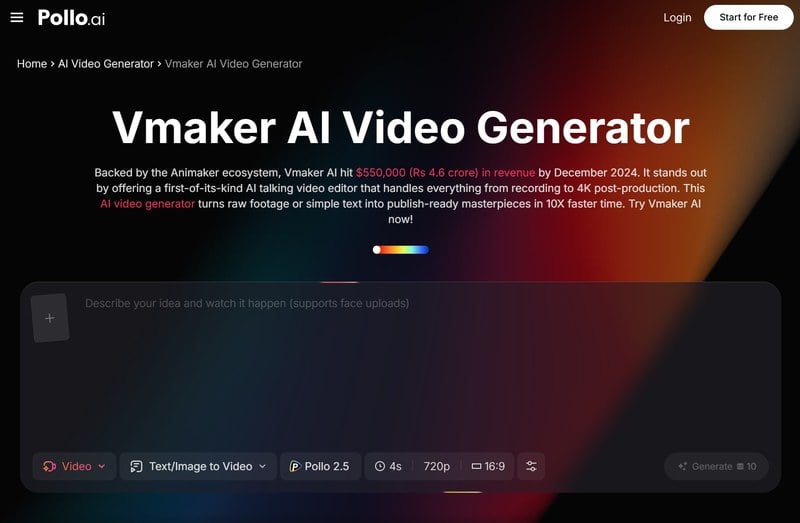
Vmaker AI, accessible through Pollo AI, is well-suited for this kind of presentation and walkthrough content. If you want to record yourself walking through the trip plan on screen, pulling up the route, showing the accommodation, walking through the daily schedule, Vmaker AI handles the recording and production side. You get a clean, shareable video of the planning presentation without needing a second person to film you or any editing work after the fact. Pollo AI having both tools means you can handle different parts of the trip content workflow (the written-to-video conversion and the screen-based walkthrough content) without switching between unrelated platforms.
For anyone who's ever tried to coordinate a complex multi-day trip with four or six guys who all have opinions and schedule constraints, anything that cuts down on back-and-forth is worth using. A three-minute video walking through the plan gets everyone aligned faster than twelve messages trying to explain the same thing in text.
What to Record on the Trip
Even if you're not a video person, a little intentional recording goes a long way when you've got tools that can do something useful with the footage afterward.
The shots worth capturing aren't the posed group photos or the long scenic pans that look good in the moment and boring later. They're the incidental stuff. The morning coffee at the trailhead before a big hike. The moment one of the guys makes a ridiculous shot he had no business pulling off. The local dive bar that turned out to be the best part of the trip. On a Midwest road trip, it's the two-lane stretch through nowhere that somehow becomes the part everyone talks about. On an Alaska cruise, it's the deck at 6am when the water is flat and nobody else is awake yet.
These don't need to be cinematic. Shot on a phone is fine. The AI tools that assemble footage into a watchable video aren't dependent on technical perfection. They work with whatever you give them. Short clips in the 10-to-30-second range are more useful than long ones: easier to work with, they capture a moment without overstaying it, and you end up with more variety to draw from.
The Video Nobody Expected, And Why It Works For The Next Trip
What I've seen work better than anything else is using the recap video to sell the next trip. Nothing builds momentum for the next trip like a sharp recap of the last one. The guys who watch what the last mancation looked like in video form commit earlier to the next one, because it's no longer abstract. It's a concrete reminder of what these trips feel like when they actually happen.
The effort involved in creating that kind of recap has come down to a level where it's no longer a project requiring a dedicated Saturday afternoon. Pollo AI's text-to-video conversion means the research and writing you're probably already doing around a trip can be turned into something visual and shareable in the time it takes to watch the result. Start with the last trip you documented - even rough notes work - and you'll have something worth sending to the group before the week is out.

Promoted by FlowAds
